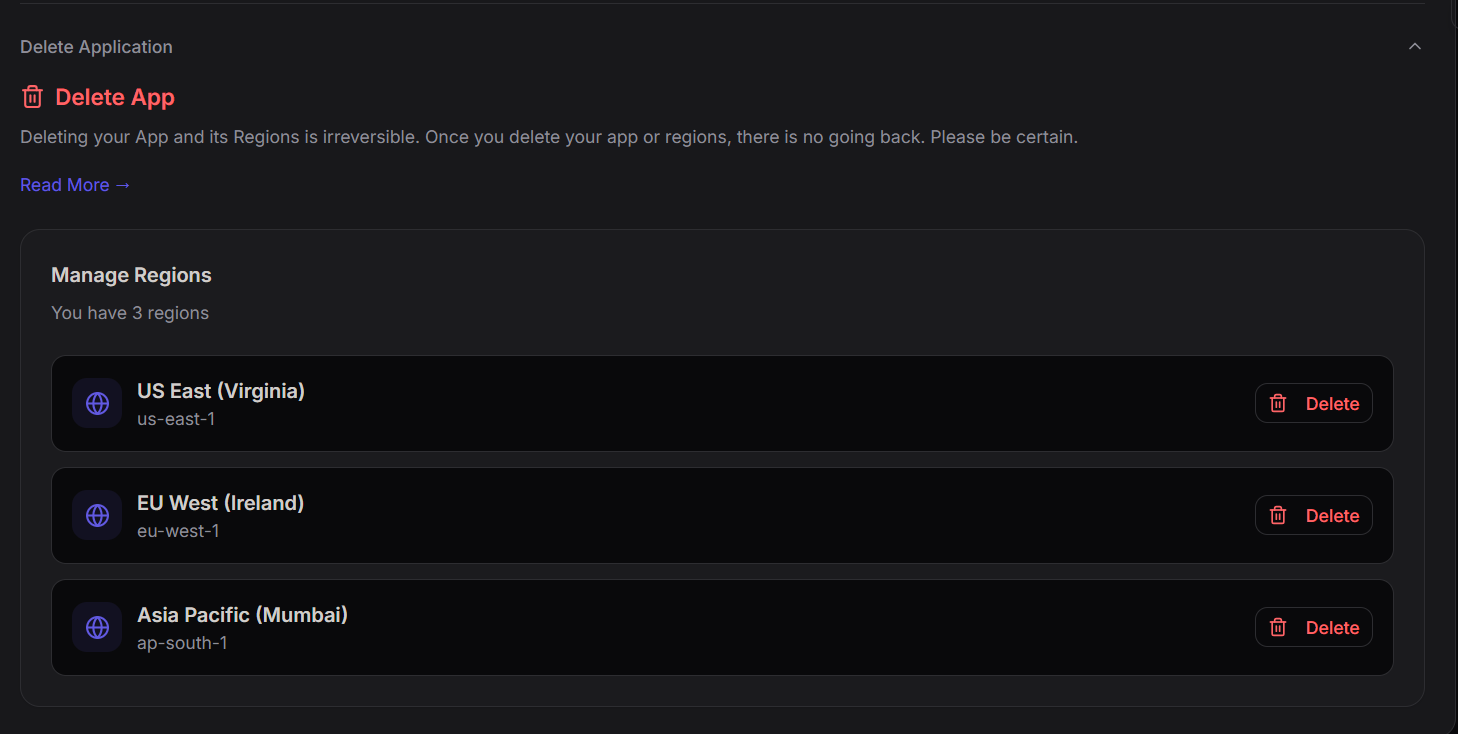
Delete Applications
Deleting an Application
Follow these steps to permanently decommission an application:
- Open your Application Dashboard in the Nife console.
- Select Settings → Danger Zone.
- Click the red Delete Application button.
- Safety Confirmation Modal:
- Review all active regions and running container replicas that will be stopped.
- Persistent Volumes Choice: Select whether to retain attached storage volumes for archival or permanently release them.
- Enter the exact Application Name into the input field to enable confirmation.
- Click I understand the consequences, delete this application.
Irreversible Action
Deleting an application terminates all global replicas, revokes ingress SSL certificates, and releases public domain bindings immediately. Ensure any critical data has been backed up before deletion.