App Domain Configuration
To point a custom domain to your dynamic application (e.g., web-frontend), follow the two-step configuration process below.
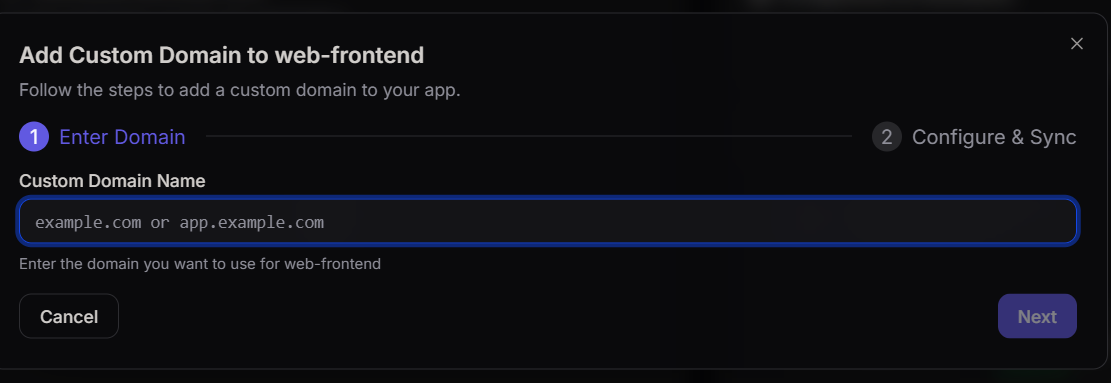
Step 1: Enter Domain
In the Custom Domain Name field, enter the domain or subdomain you wish to use for your application.
Step 2: Configure & Sync
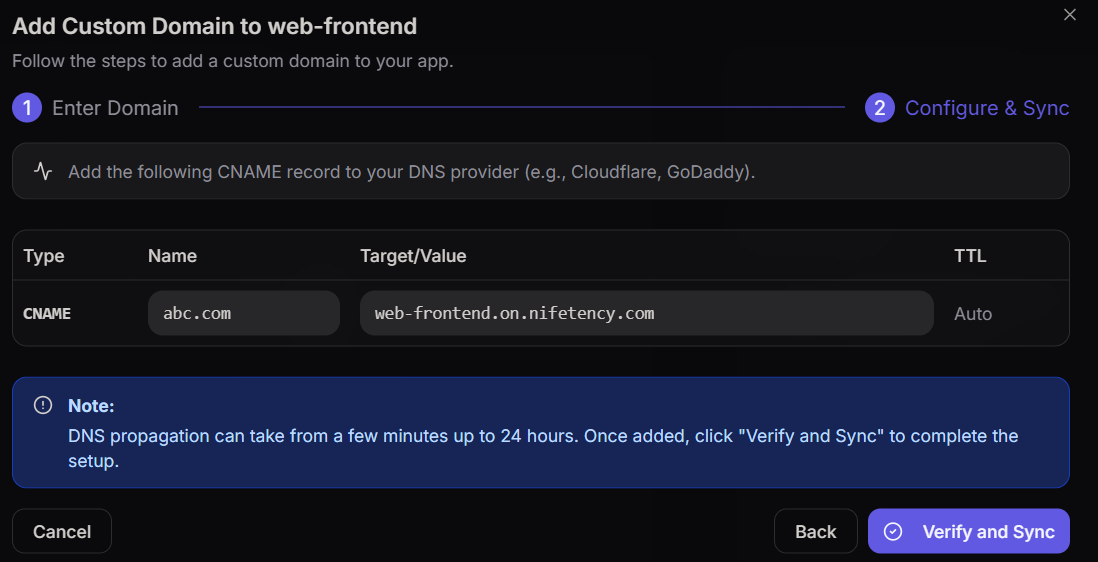
You must add a CNAME record to your DNS provider (e.g., Cloudflare, GoDaddy) using the values provided in the dashboard. After adding name click on verify and sync to proceed.
| Type | Name | Target/Value | TTL |
|---|---|---|---|
| CNAME | abc.com | web-frontend.on.nifetency.com | Auto |
DNS Propagation
DNS propagation can take from a few minutes up to 24 hours. Once added, click Verify and Sync to complete the setup.