Migrate Organizations: Move Resources & Workloads | Nife Docs
What gets migrated
When you migrate an organization, everything inside it moves to the destination:
- All applications and deployments
- All instances and volumes (including persistent data)
- All workloads and secrets
How to migrate
Step 1 — Open the Migrate dialog
Go to the Organizations page. :
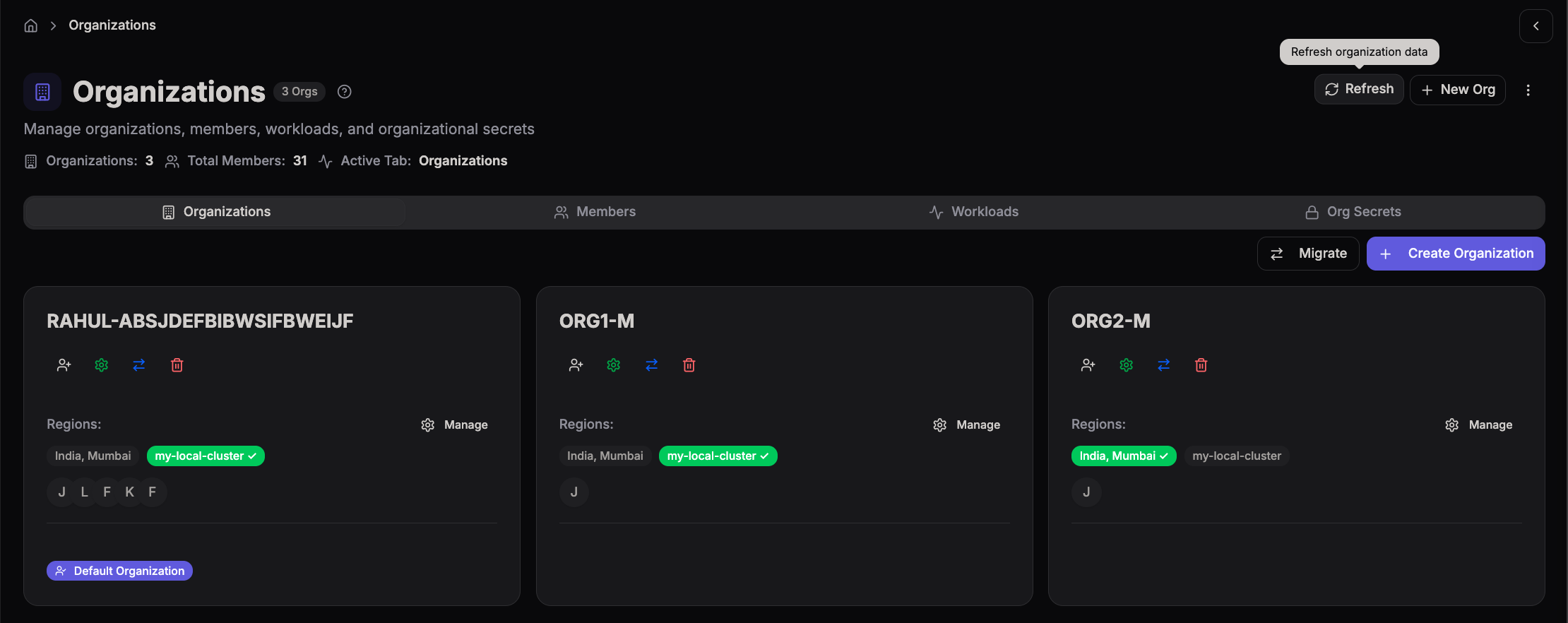
- Click the Migrate button at the top right of the page (next to "Create Organization").
Step 2 — Select organizations
In the dialog, choose:
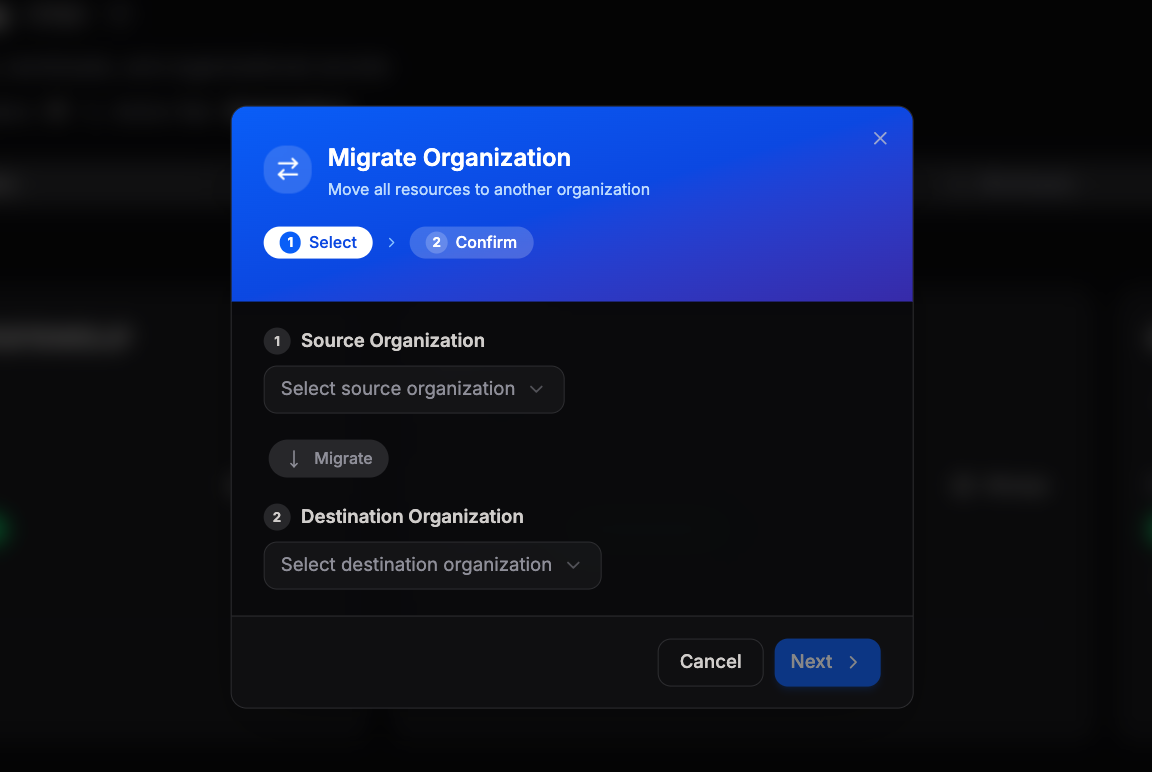
- Source Organization — the org you want to move everything from
- Destination Organization — the org you want to move everything to Once both are selected, click Next.
Step 3 — Confirm
Review the migration summary:
- The source and destination organizations are shown
- The list of what will be moved is displayed Click Confirm & Migrate to start.
⚠️ Do not close or refresh the page while migration is in progress. This can take a few minutes depending on how many apps and volumes you have.
Step 4 — Done
Once complete, all your apps will be running in the destination organization.