Profile
The Profile section provides a centralized interface to manage your personal details, security settings, preferences, and integrations.
It enables you to customize your account, secure access, and monitor activity — all from a single place.
Overview
The Profile section includes:
- Account information and personal details
- Security and authentication settings
- UI customization preferences
- Integration management
- Activity tracking
Settings Dashboard
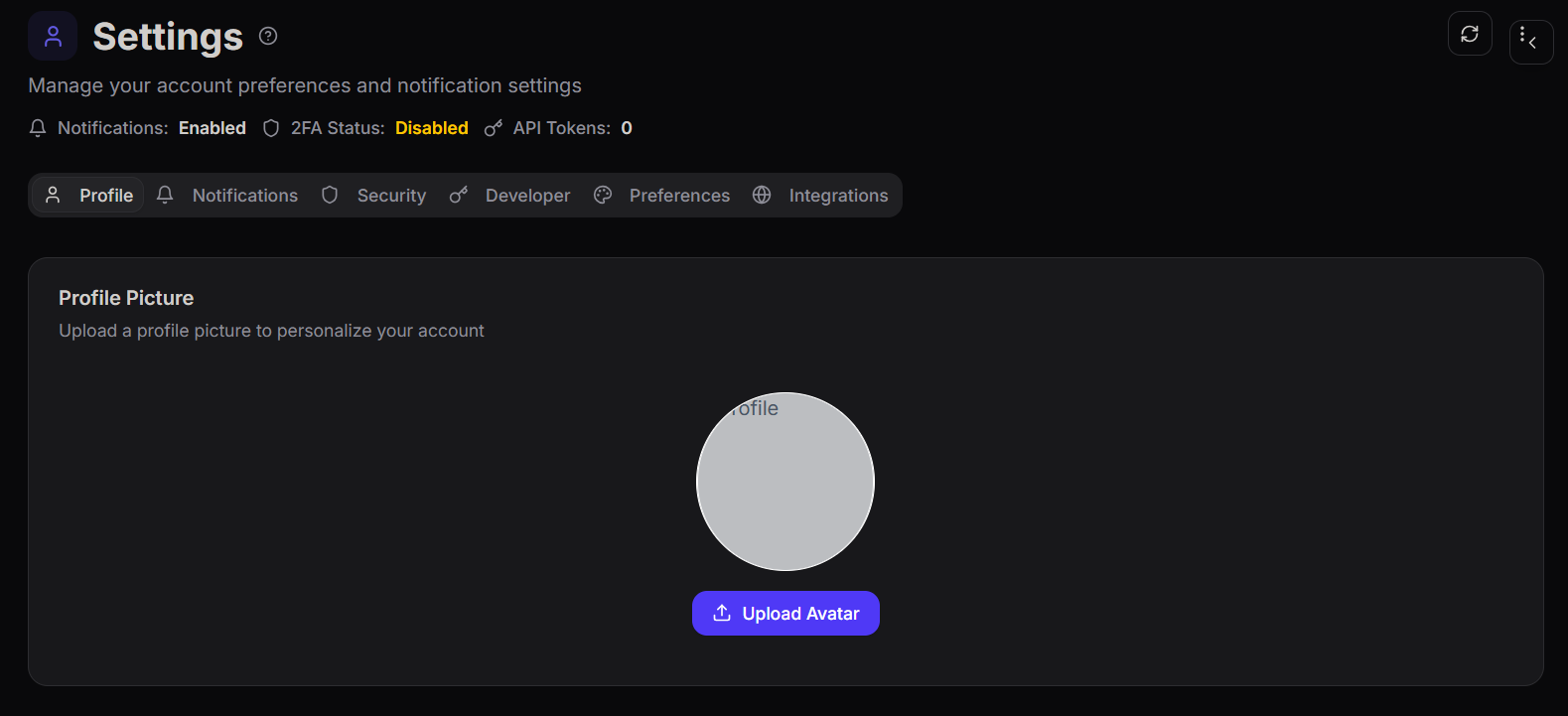
The settings dashboard provides a quick overview of your account configuration.
It displays:
- Notification status
- Two-Factor Authentication (2FA) status
- API token count
- Navigation tabs for different settings sections
Profile Overview
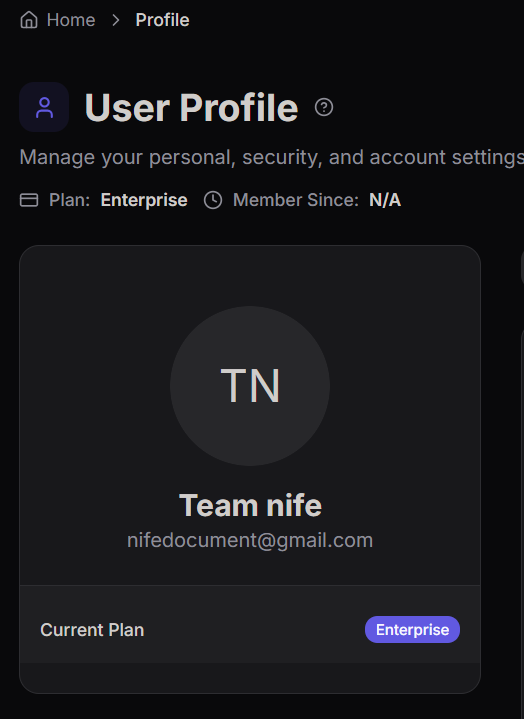
The profile overview displays key account information:
- User name
- Email address
- Current subscription plan
- Account summary
Profile Details
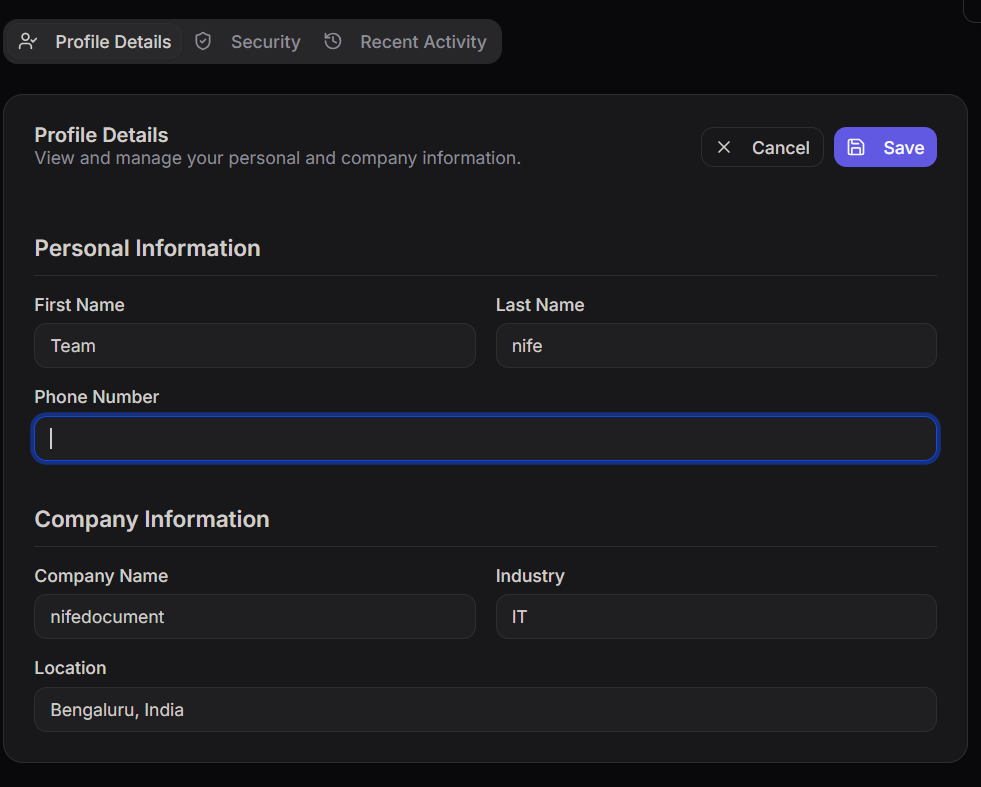
You can manage the following information:
- Full name
- Email address
- Phone number
- Company name
- Industry
- Location
Profile Information (Edit)
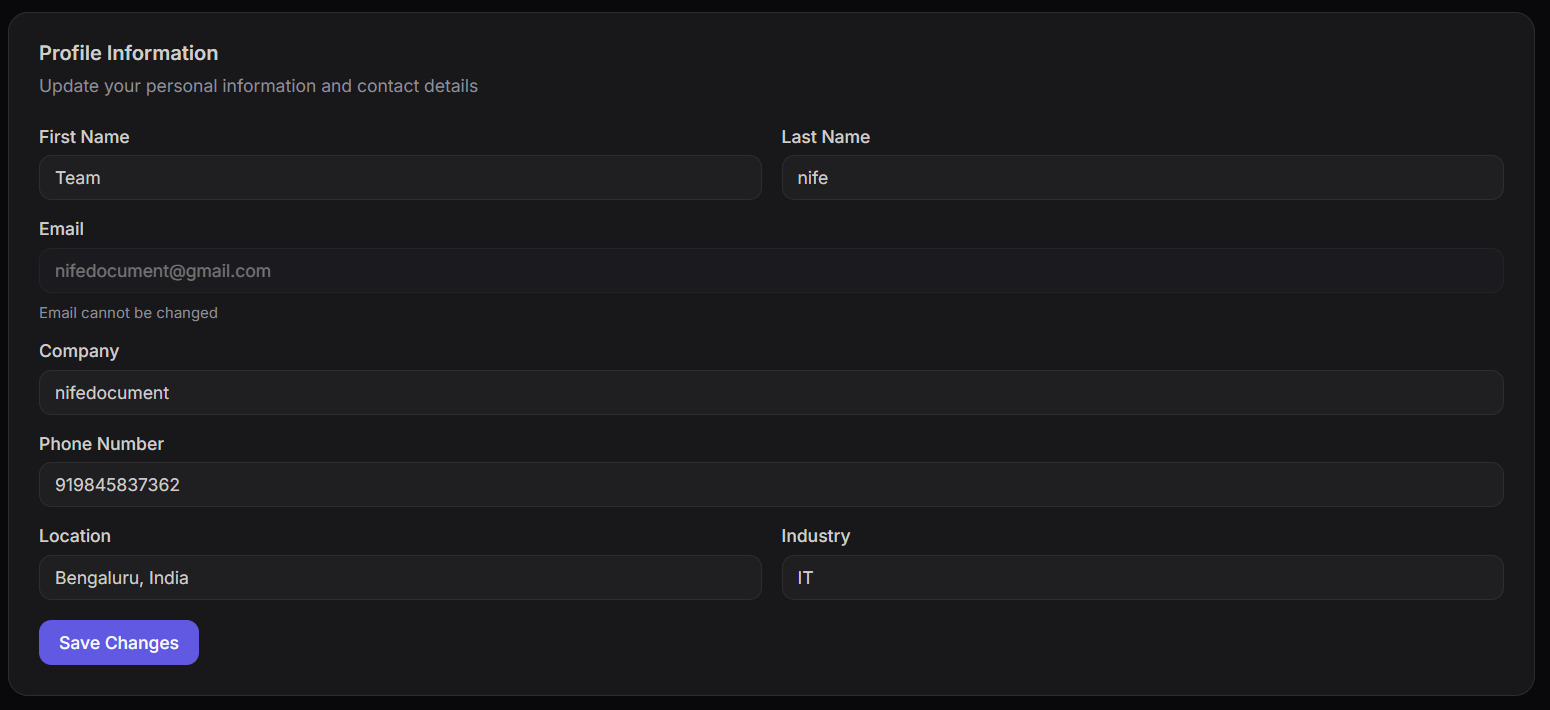
This section allows you to update your personal and organizational details.
Editable fields:
- First Name and Last Name
- Company
- Phone number
- Location
- Industry
The email address cannot be changed from this section.
Security Settings
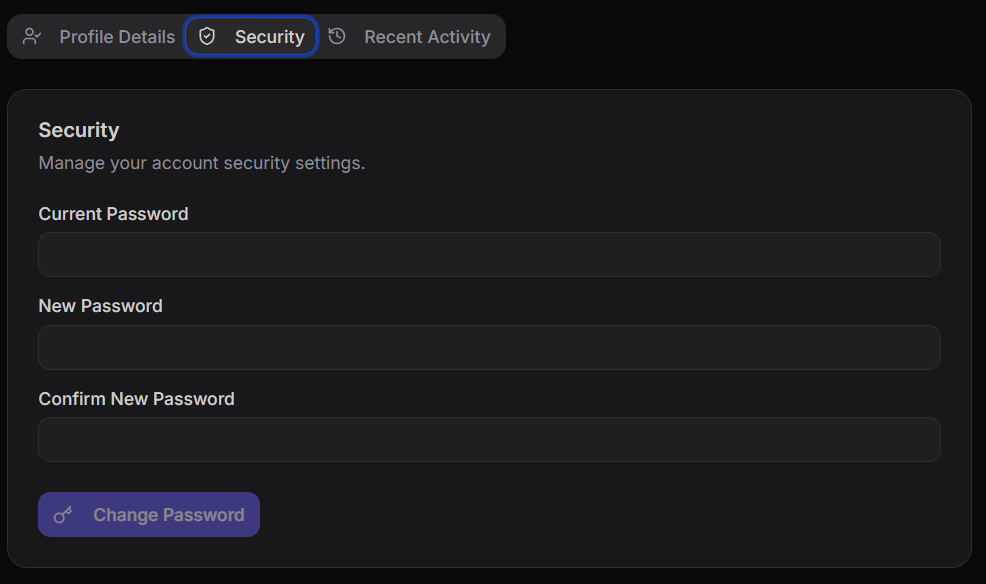
The Security section helps you protect your account.
You can:
- Enter your current password
- Set a new password
- Confirm password changes
Use a strong password to ensure better account security.
Preferences
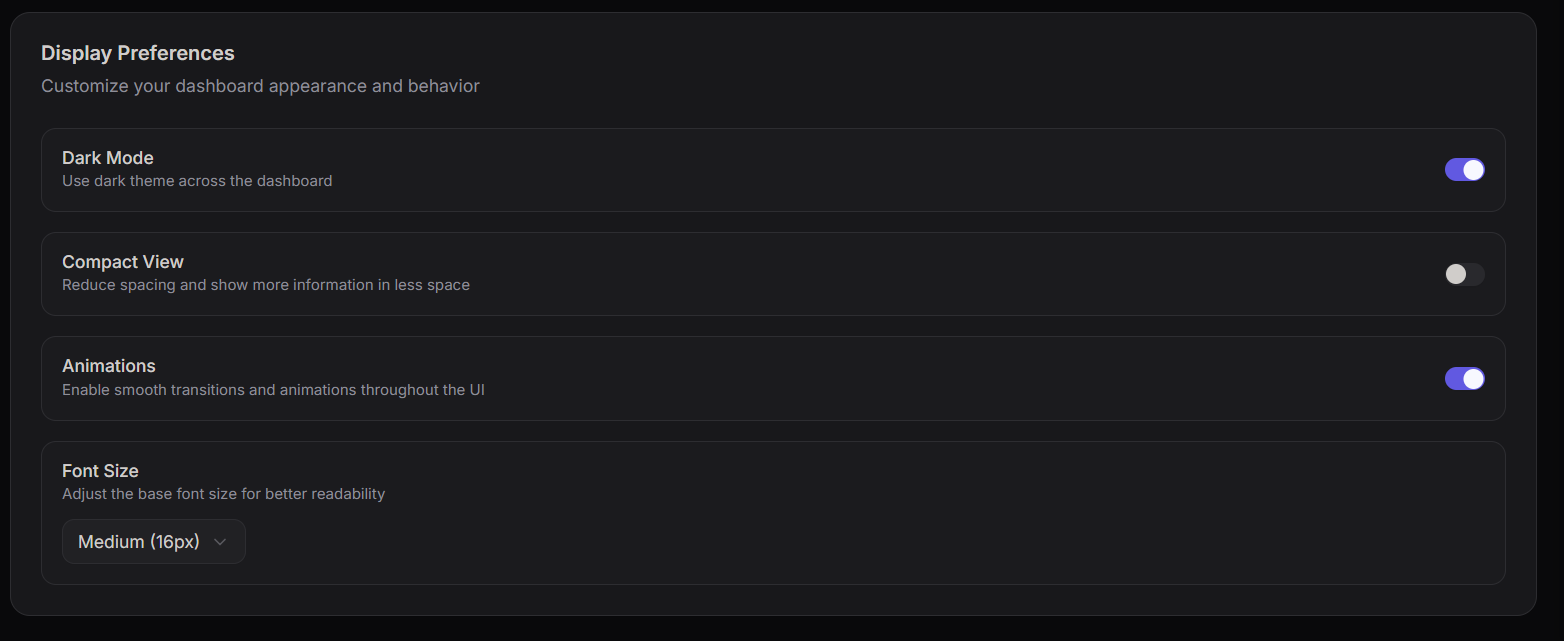
The Preferences section allows you to customize your user interface.
Available options:
- Dark Mode – Enable or disable dark theme
- Compact View – Reduce spacing for a denser layout
- Animations – Enable smooth UI transitions
- Font Size – Adjust text size for better readability
Customize the interface based on your comfort and workflow.
Integrations
The Integrations section allows you to securely connect external tools and services.
SSH Key
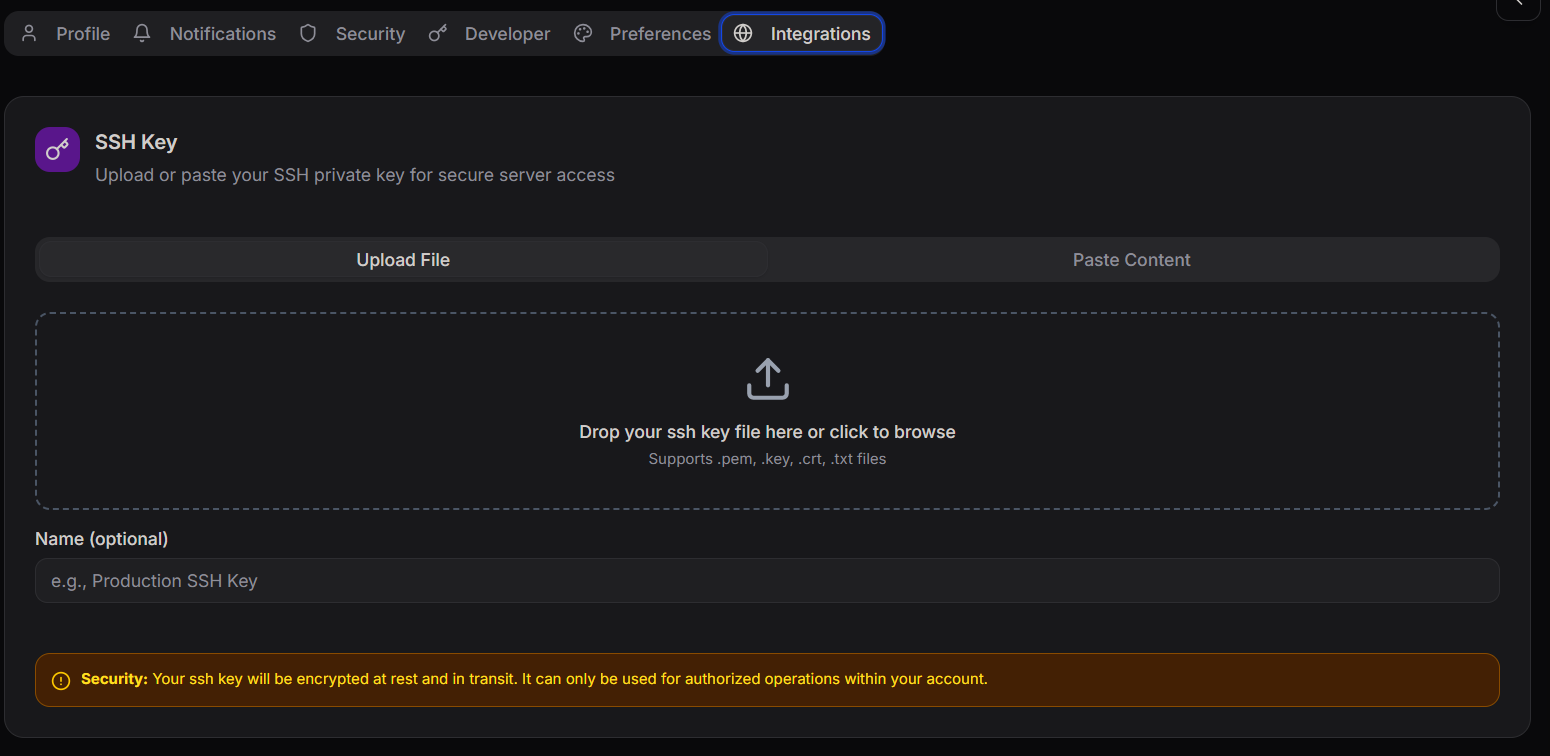
Upload or paste your SSH private key to enable secure server access.
Supported formats:
.pem.key.crt.txt
SSH keys are securely stored and encrypted.
API Keys
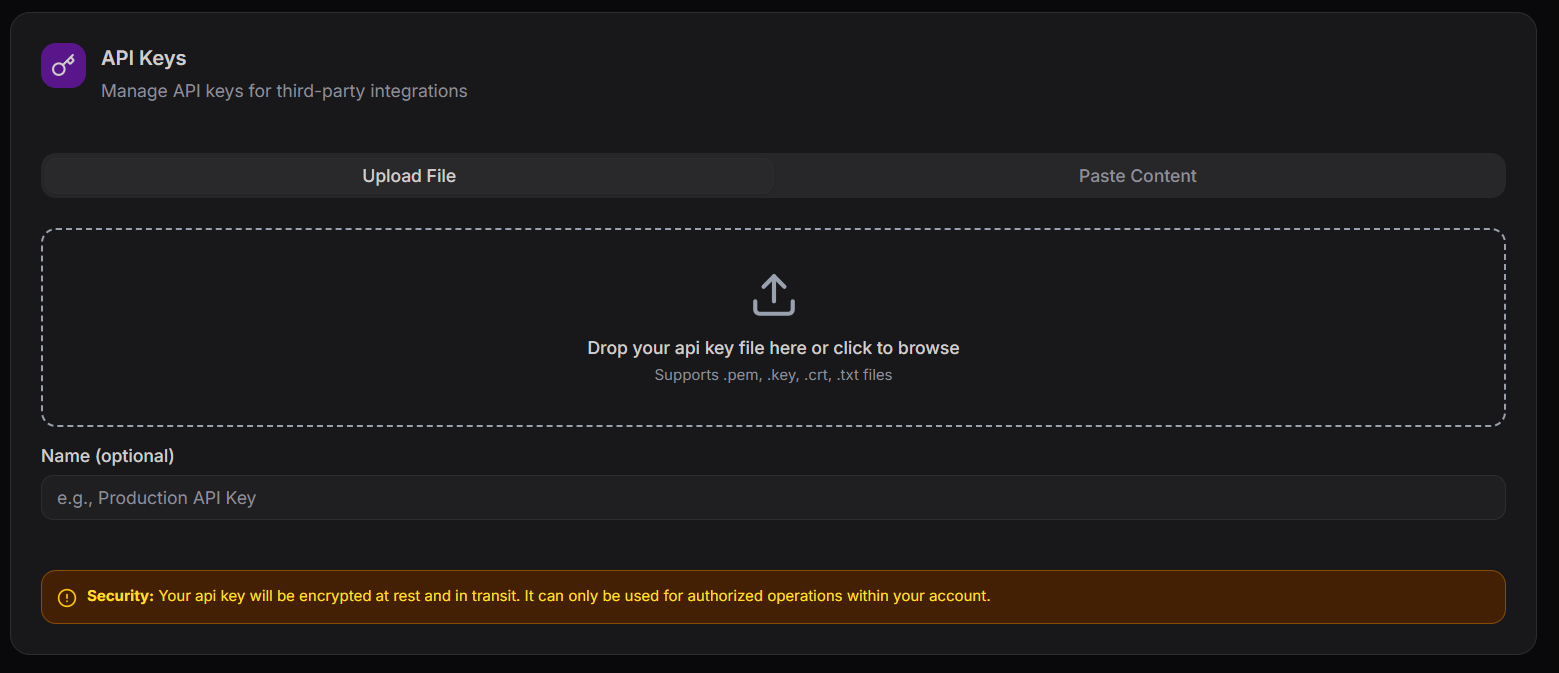
Manage API keys for programmatic and third-party integrations.
Features:
- Upload or paste API keys
- Assign an optional name
- Use for automation and integrations
Keep your API keys secure and do not expose them publicly.
Recent Activity
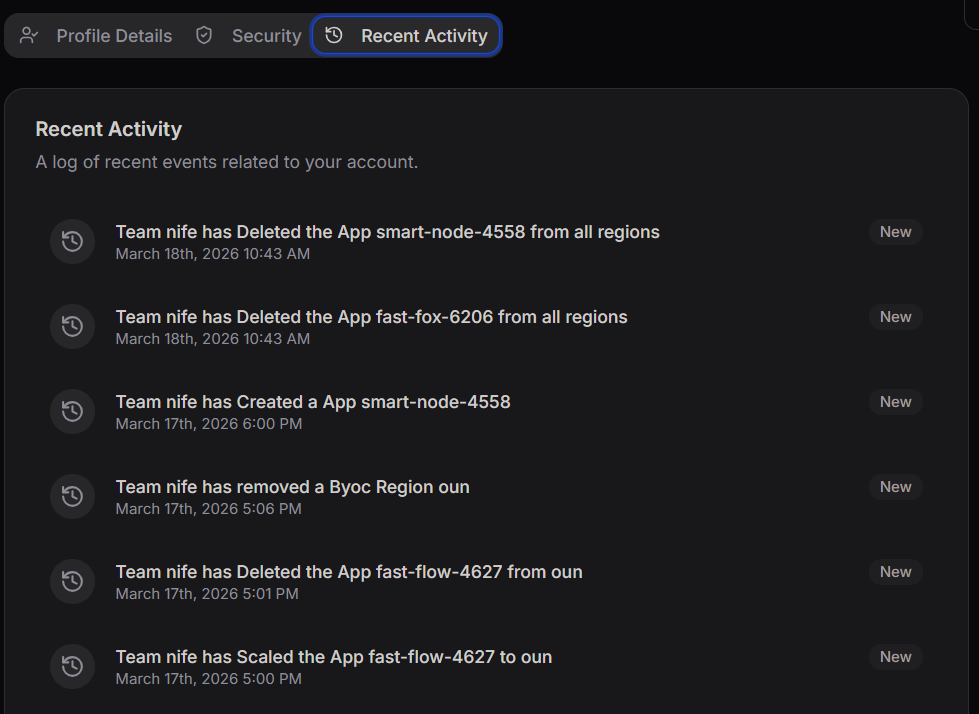
The Recent Activity section provides a timeline of actions performed in your account.
Examples include:
- Application creation
- Application deletion
- Scaling operations
- Region changes
This helps in monitoring and auditing account activity.
Danger Zone

The Danger Zone contains critical and irreversible actions.
You can:
- Request account deletion
- Permanently remove your account and associated data
This action is irreversible and cannot be undone.