Cost Optimization
Nife provides built-in cost monitoring and optimization tools to help you understand and reduce your cloud spend.
Cost Optimization AI Overview
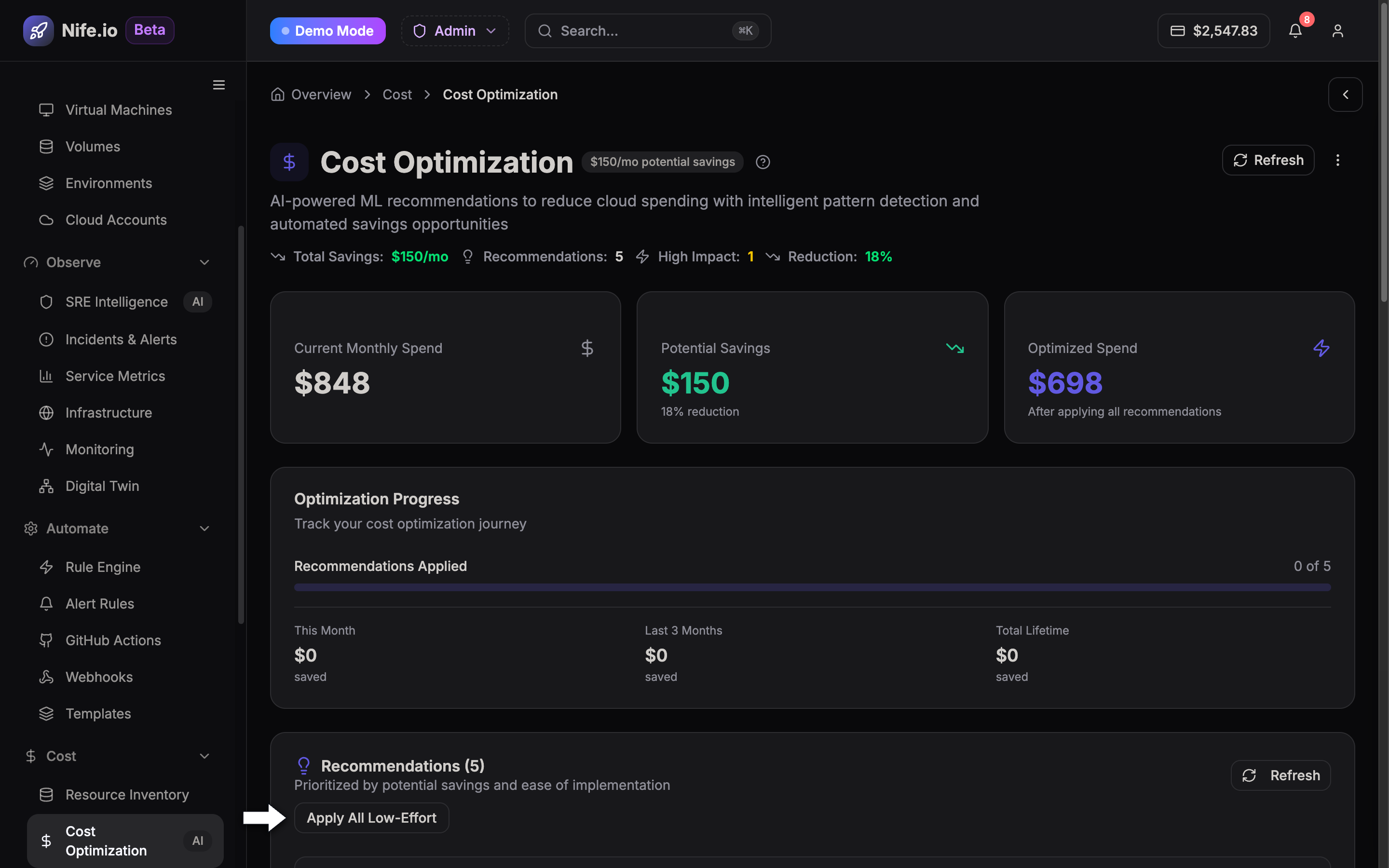
The Cost Optimization AI dashboard (/cost-optimization) provides real-time financial observability and automated rightsizing recommendations across all your connected cloud environments.
Key Features
- Real-time cost visibility — see spending across all cloud providers
- Per-app cost breakdown — understand which workloads cost the most
- Idle resource detection — identify and remove unused deployments
- Multi-cloud comparison — compare costs across AWS, GCP, Azure, and DigitalOcean
- Automated Rightsizing Actions — click Apply All Low-Effort to automatically optimize CPU and RAM allocations based on AI workload profiling
Getting Started
- Navigate to Cost Optimization in the Nife dashboard
- Connect your cloud provider accounts
- View your cost breakdown by app, region, and provider
- Review actionable FinOps recommendations and apply automated rightsizing
See the full Cost Monitoring Guide for setup instructions.