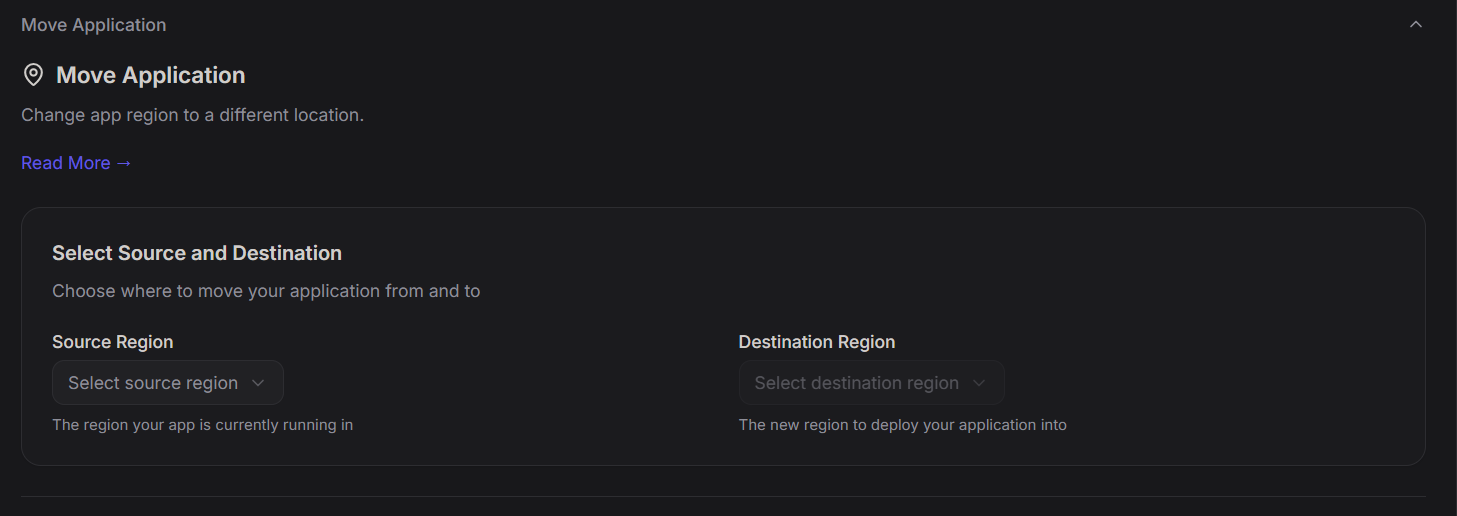
Move Application
Steps:
- Open the Application Dashboard
- Navigate to Move Application
- Select the Source Region
- Choose the Destination Region
- Confirm the region change
This will deploy the application in the selected destination region.
The previous region will no longer be associated with the application. This is same as moving from one availability zone to another
Example regions:
- India
- Europe
- United States