Application Create
Navigate to Applications from the left sidebar of the Nife dashboard.
The Applications page shows all currently deployed applications along with their status, regions, replicas, and deployment strategies.
From this page you can monitor running services or create a new deployment.
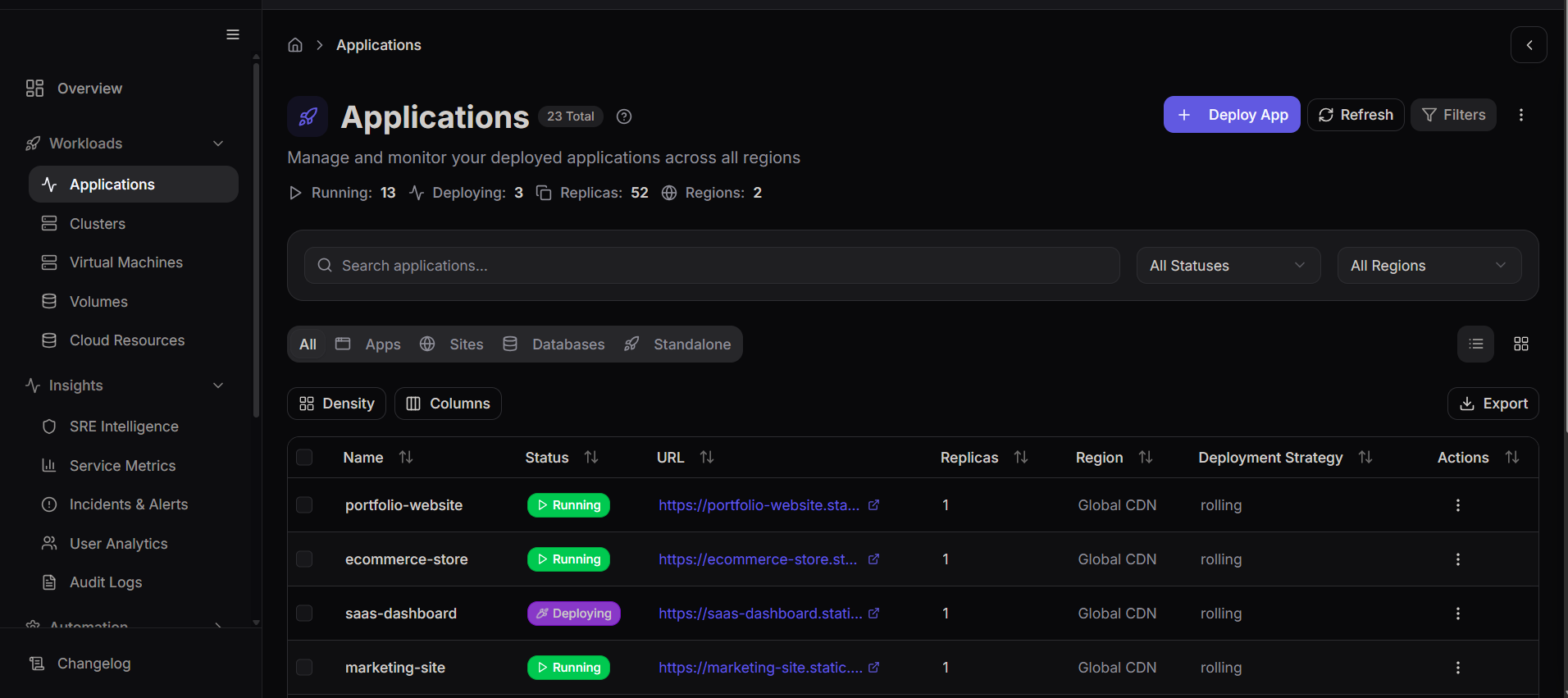
Click Deploy App to begin deploying a new application.
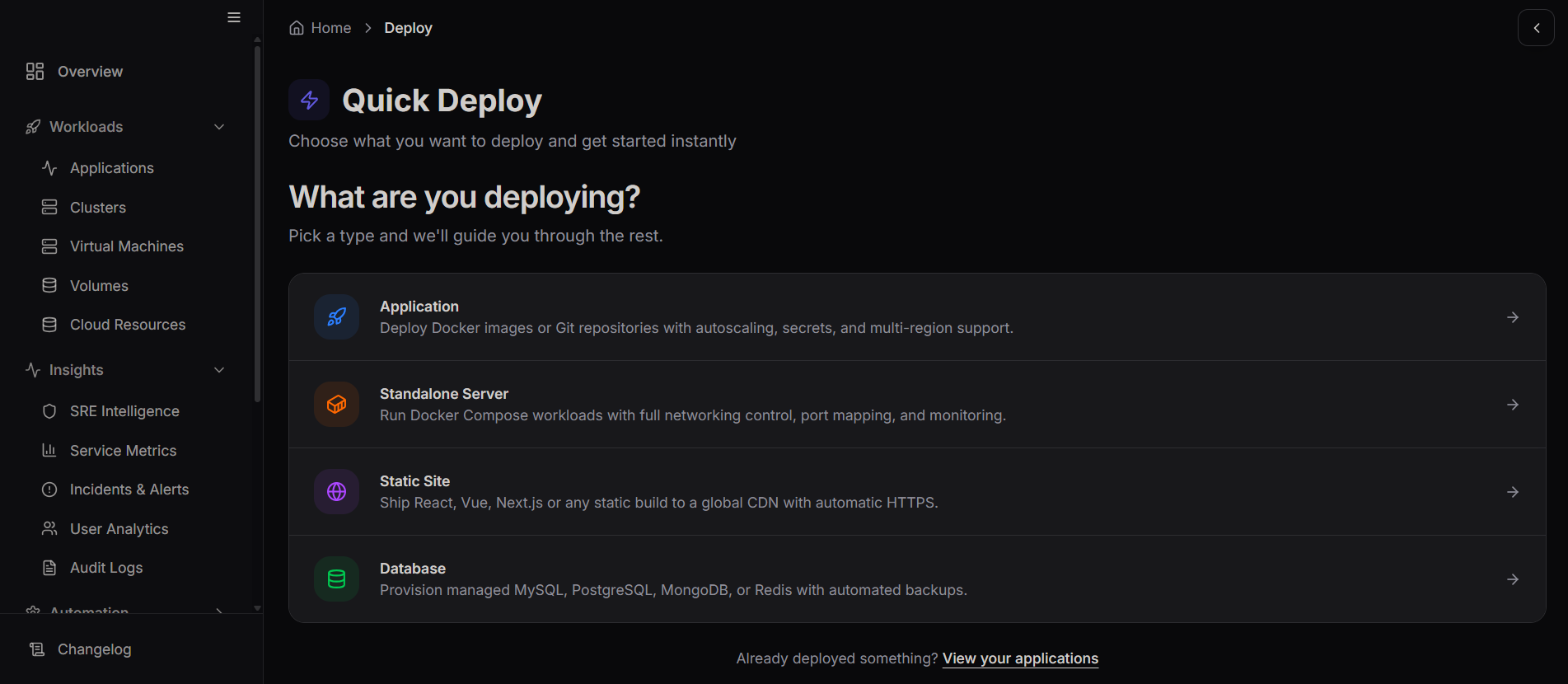
Choose the Deployment Type
After clicking Deploy App, the Quick Deploy page appears.