Organizational Secrets
The Organizational Secrets tab allows you to securely store and manage sensitive information such as API keys, tokens, and credentials at the organization level.
These secrets can be reused across workloads without exposing sensitive data in your code.
Accessing Organizational Secrets
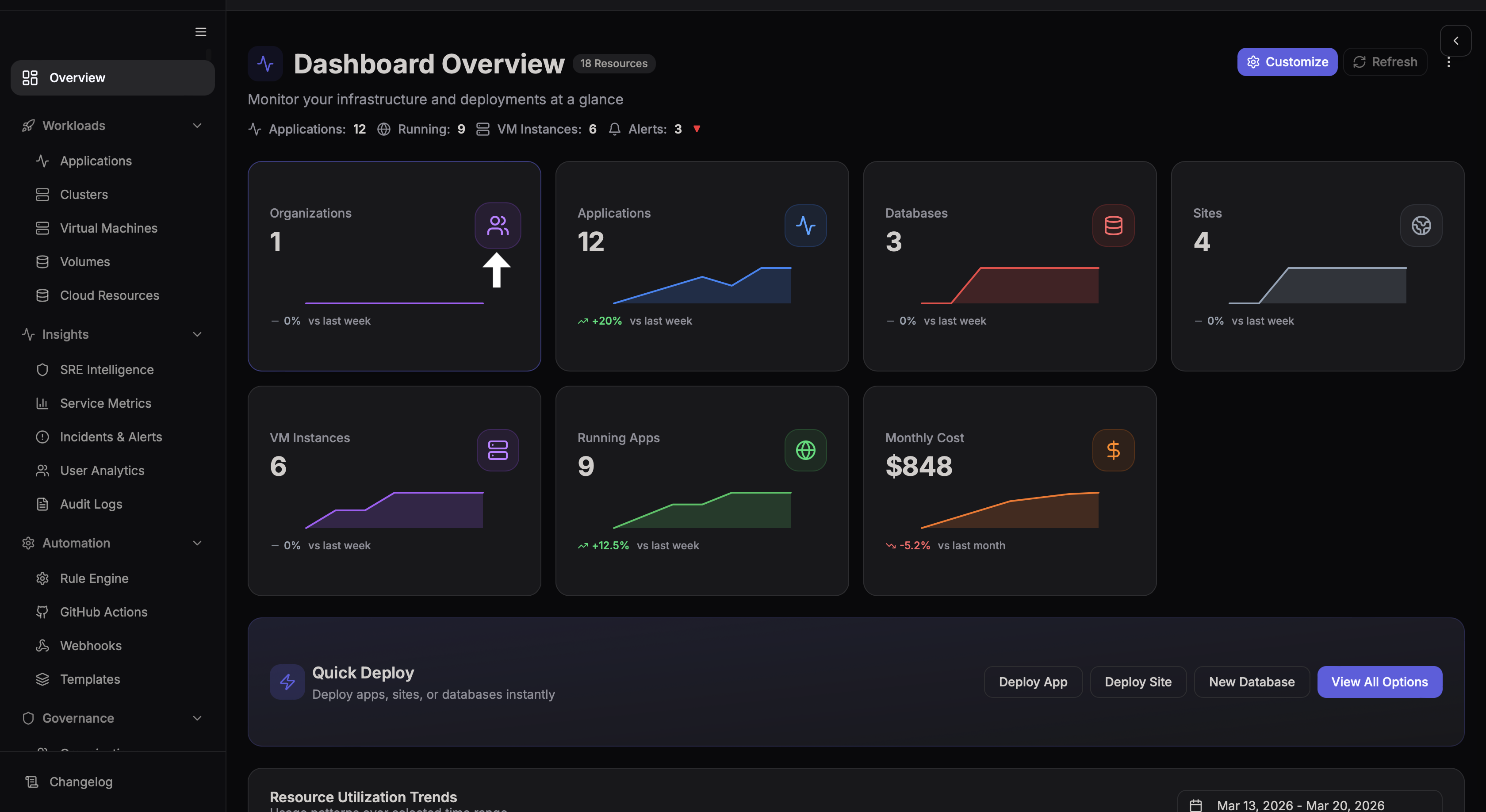
- Navigate to Overview → Organizations
- Select your organization
Secrets Overview
Click on the Secrets tab to see a centralized view of all organizational secrets.
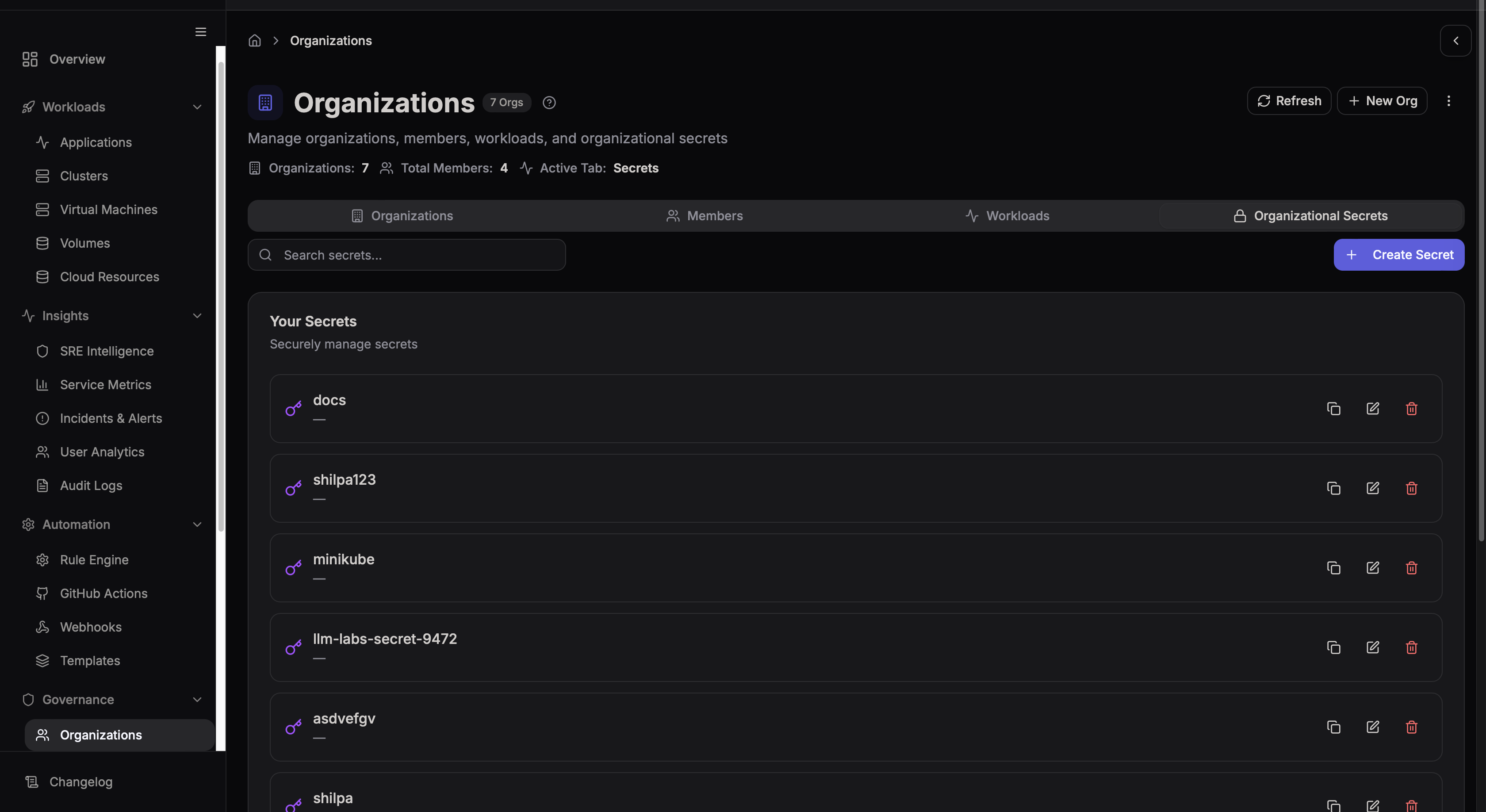
What You'll See
| Column | Description |
|---|---|
| Name | The unique identifier for the secret |
| Last Updated | When the secret value was last changed |
| Created By | The user who created the secret |
| Actions | Options to update or delete |
Secret values are hidden by default. They are encrypted at rest and never exposed in logs or UI.
Create a New Secret
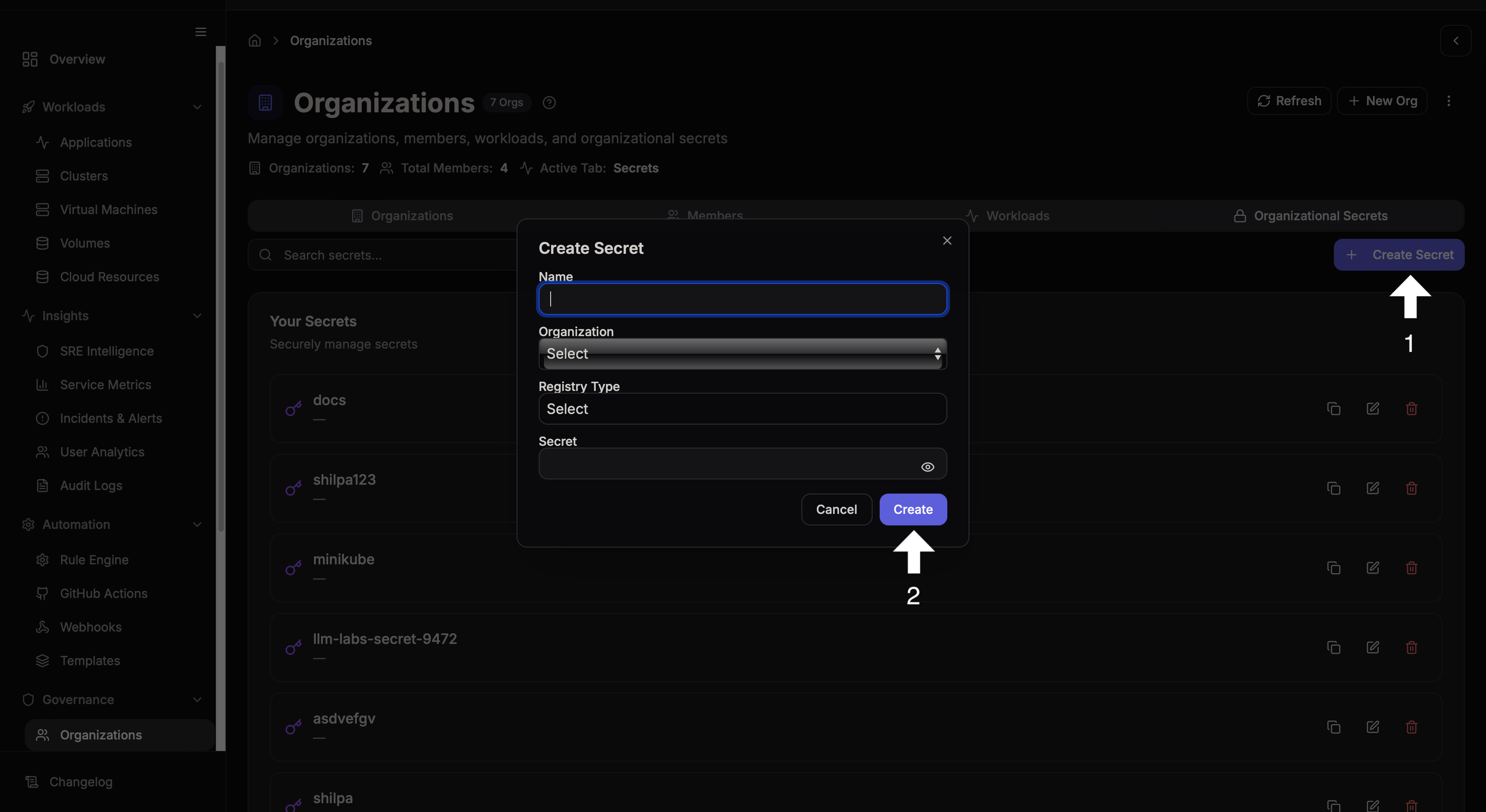
Steps to Create a Secret
- Click Create Secret
- Enter a Name — must be unique within the organization
- Enter the Secret Value
- Click Create
Naming Best Practices
Use uppercase, underscore-separated names that describe the purpose:
| Good ✅ | Bad ❌ |
|---|---|
DB_PASSWORD_PROD | password |
STRIPE_API_KEY | key1 |
SLACK_WEBHOOK_URL | secret123 |
Managing Secrets
From the Actions menu you can:
- Update — Change the secret value without changing its name
- Delete — Permanently remove the secret
Deleted secrets cannot be recovered. Any workload referencing a deleted secret will fail at deploy time.
Using Secrets in Workloads
Organizational secrets are injected as environment variables at deploy time. Reference them by name in your application configuration:
$DB_PASSWORD_PROD
$STRIPE_API_KEY
$SLACK_WEBHOOK_URL
They are available to all applications within the organization, making them ideal for shared credentials across multiple workloads.
Environment-Specific Secrets
For multi-environment setups, use naming conventions to separate dev, staging, and production values:
API_KEY_DEV
API_KEY_STAGING
API_KEY_PROD
Search Secrets
Use the search bar to find secrets by name quickly.
Security Considerations
- 🔐 All secrets are encrypted at rest
- 🔐 Values are never shown in logs
- 🔐 Access is limited to organization members
- 🔐 Changes are audited — you can see who last updated each secret
- 🔐 Rotate secrets regularly to reduce exposure risk