Webhook Integrations & Event Triggers
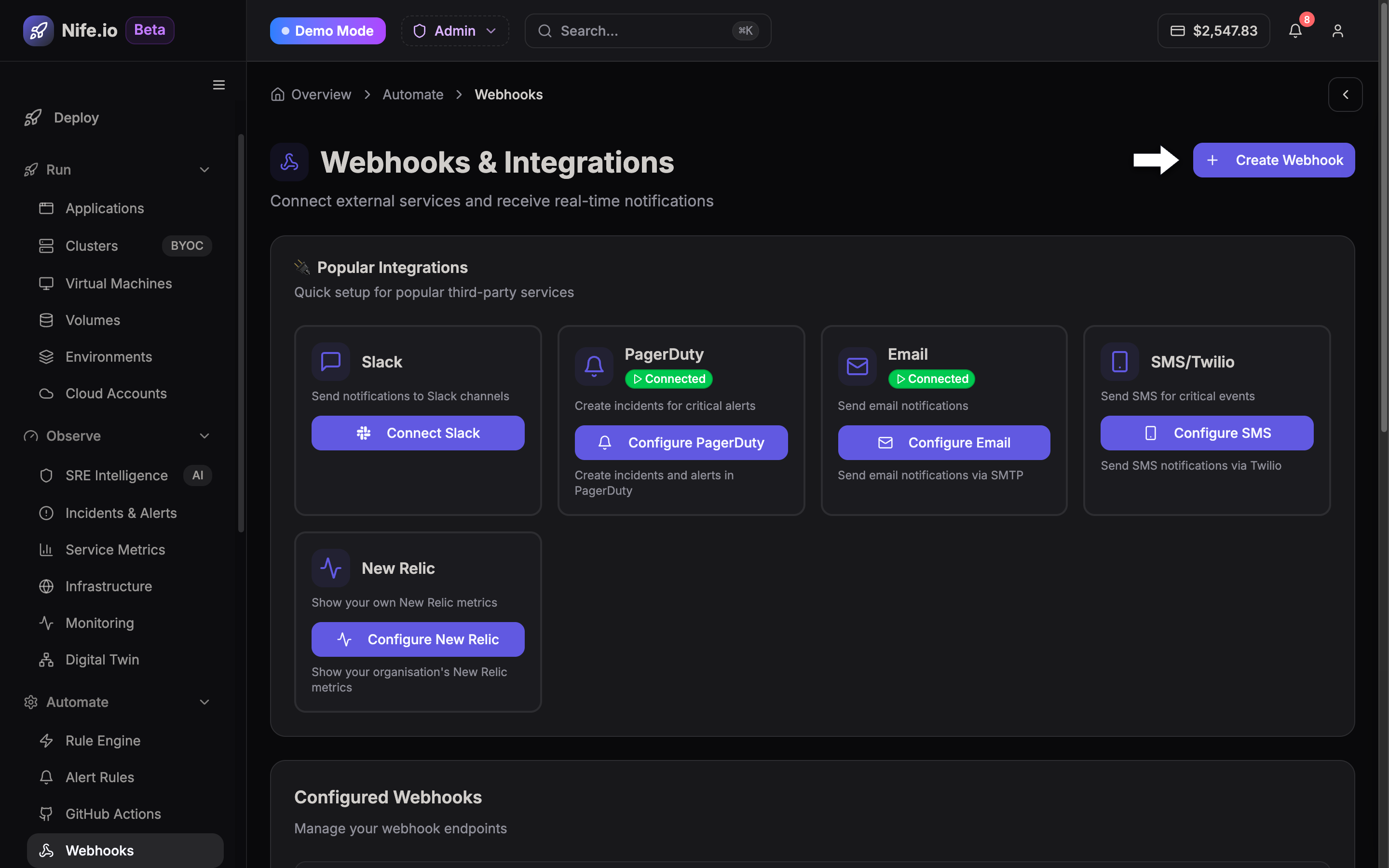
The Webhooks engine (/webhooks) connects Nife to your developer toolchain, CI/CD pipelines, monitoring stacks, and third-party SaaS services. Configure incoming webhooks to trigger automated redeployments or outgoing webhooks to stream platform lifecycle events to Slack, Discord, PagerDuty, Datadog, or custom API endpoints.
Webhooks Dashboard
The webhooks management interface allows you to view configured webhooks, inspect event delivery logs, view payload request bodies, and resend failed delivery attempts.
Supported Webhook Event Types
Outgoing webhooks can subscribe to specific platform events:
| Event Name | Trigger Condition | Common Use Case |
|---|---|---|
deployment.started | A new container build or Git push begins provisioning. | Post notification to team chat channels. |
deployment.succeeded | Application health checks pass and traffic routes to new pods. | Trigger smoke tests or invalidate CDN caches. |
deployment.failed | Build failure, crash loop, or failed container readiness probe. | Alert on-call engineers via PagerDuty. |
incident.created | SRE intelligence detects an anomaly or error rate spike. | Create an incident ticket in Jira or ServiceNow. |
cluster.node_scaled | Node pool scales up or down based on workload demand. | Log infrastructure scaling events in SIEM / audit tools. |
security.cve_detected | A new Critical or High vulnerability is flagged by security scan. | Notify SecOps team immediately. |
Creating an Outgoing Webhook
- Navigate to Webhooks (
/webhooks) from the Automate pillar. - Click Create Webhook.
- Configure the following fields:
- Webhook Name: Descriptive label (e.g.,
Slack-Production-Alerts). - Target Endpoint URL: Destination HTTPS URL (e.g.,
https://api.example.com/webhooks/nife). - Secret Key: Auto-generated cryptographic key used to sign HTTP request headers.
- Events Filter: Select All Events or choose individual triggers.
- Webhook Name: Descriptive label (e.g.,
- Click Save & Test Webhook to send a test payload (
pingevent).
Securing Webhooks with HMAC Signatures
Every HTTP POST request dispatched by Nife includes a X-Nife-Signature header calculated using HMAC SHA-256 with your configured secret key.
Verification Example (Node.js)
const crypto = require('crypto');

function verifyNifeWebhook(rawBody, signatureHeader, secret) {
  const hmac = crypto.createHmac('sha256', secret);
  const digest = 'sha256=' + hmac.update(rawBody).digest('hex');
  return crypto.timingSafeEqual(Buffer.from(signatureHeader), Buffer.from(digest));
}
Delivery Guarantees & Retry Policy
- At-Least-Once Delivery: Events are delivered with exponential backoff retry schedules over a 24-hour period (5s, 30s, 2m, 15m, 1h, 6h).
- Timeout Limit: Destination endpoints must respond with HTTP
2xxwithin 10 seconds. - Detailed Delivery Logs: Full HTTP request headers, response codes, error messages, and execution timestamps are preserved for 30 days.