Push to Workload App
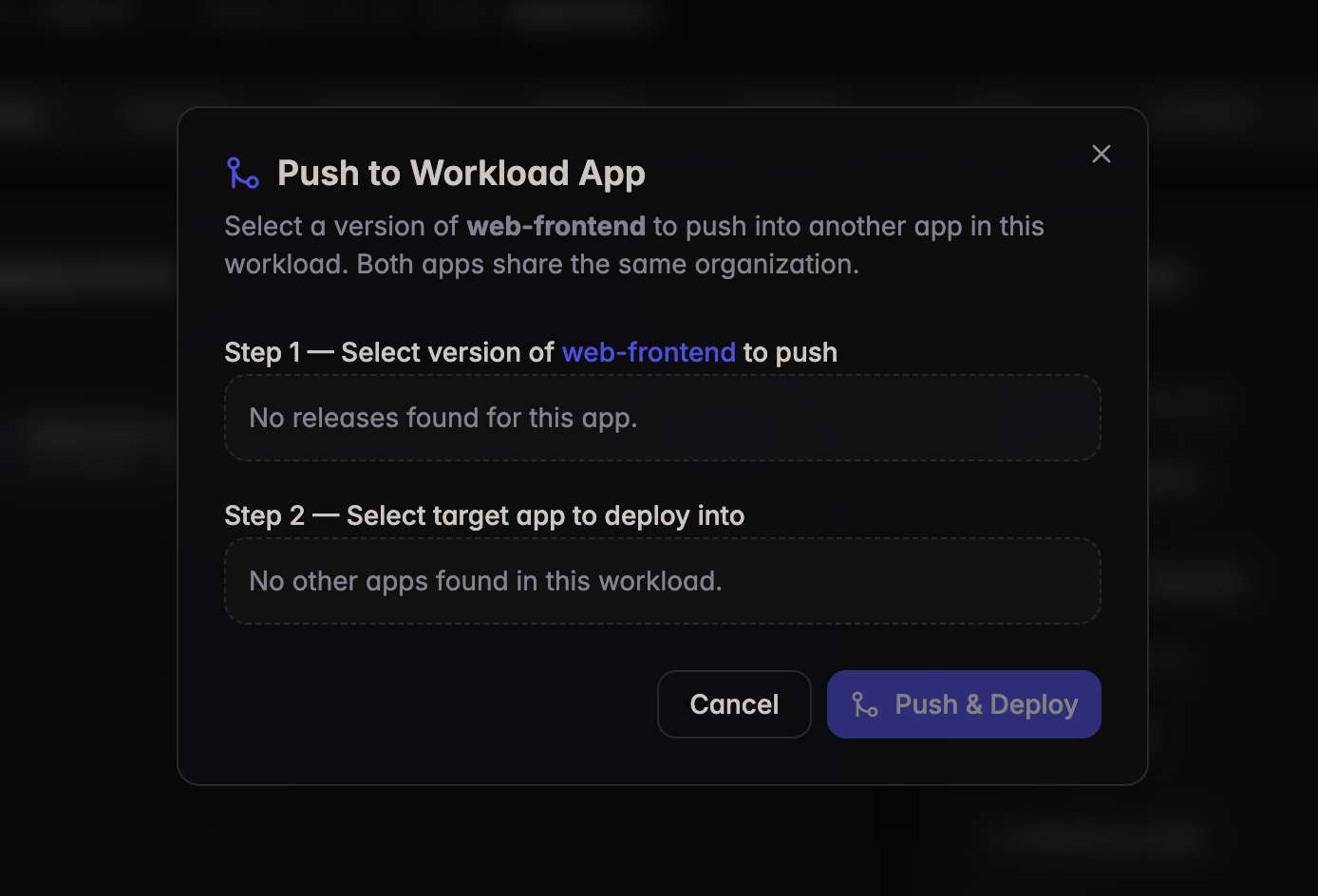
Push to Workload App
The Merge feature allows you to push a version of your application into another app within the same workload. Both apps must belong to the same organization.
To Push to a Workload App:
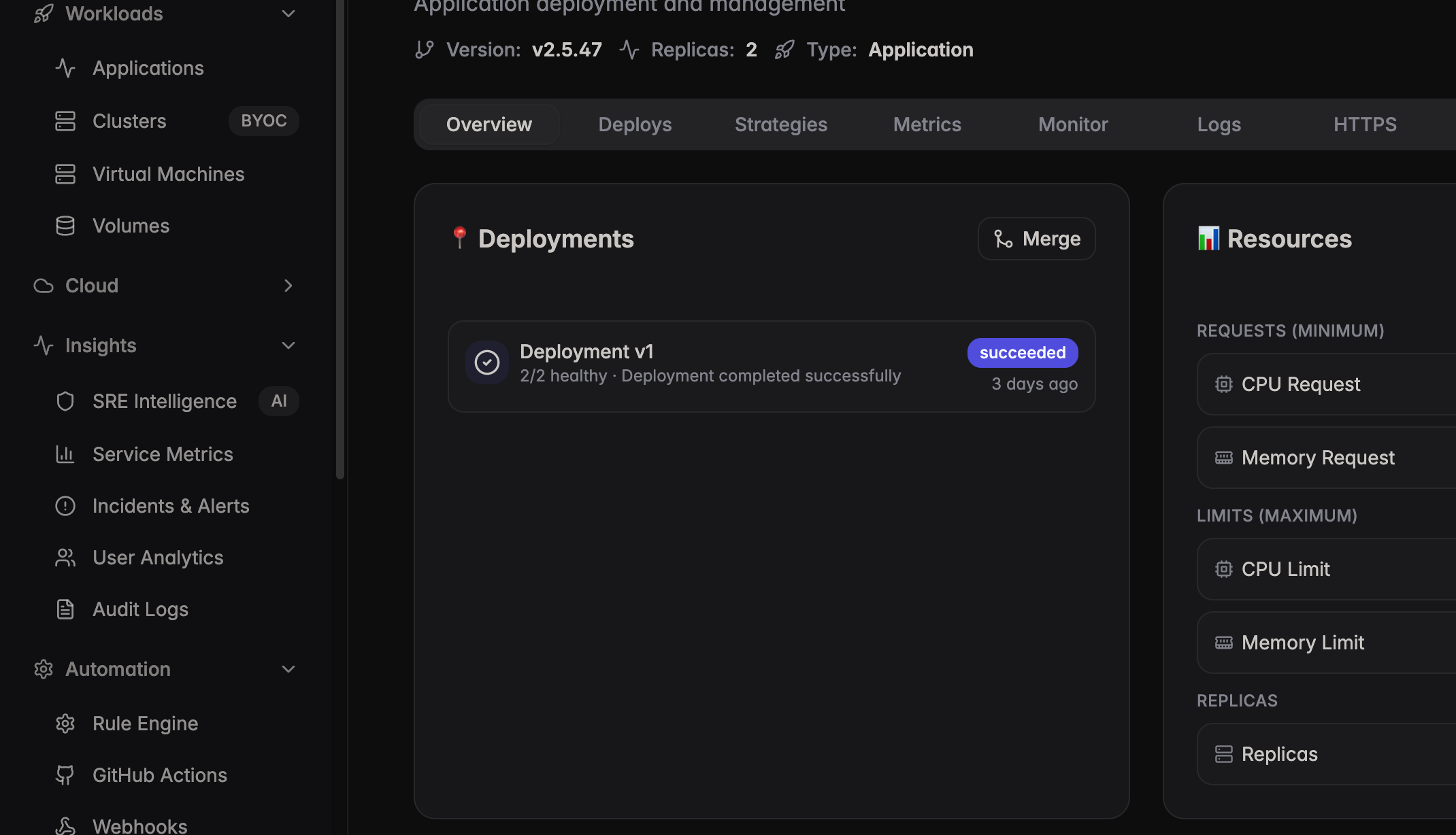
- Go to the left navigation tab > select an application > Overview tab
- In the Deployments section, click the Merge button
- In the Push to Workload App dialog:
- Step 1 — Select the version of the current app to push
- Step 2 — Select the target app within the same workload to deploy into
- Click Push & Deploy