Private Docker Registry Support | Nife
The simplest way to deploy application on Nife is via Containers
Private Registries
Nife supports the deployment of containers hosted Public Registry.
We also support private registries
- GitHub Container Registry (ghcr.io)
- GitLab Container Registry
- DockerHub Private repositories
Supported Private Registries
Nife natively integrates with major container registries:
- GitHub Container Registry (
ghcr.io): Authenticate using GitHub Personal Access Tokens (PAT) withread:packagesscope. - Docker Hub Private: Connect using Docker Hub username and access token.
- AWS Elastic Container Registry (ECR): Integrated via connected AWS Cloud Accounts.
- Google Artifact Registry / GCR: Authenticate via GCP service account JSON key.
- Azure Container Registry (ACR): Connect using Azure service principal credentials.
- GitLab Container Registry: Connect via GitLab Deploy Token.
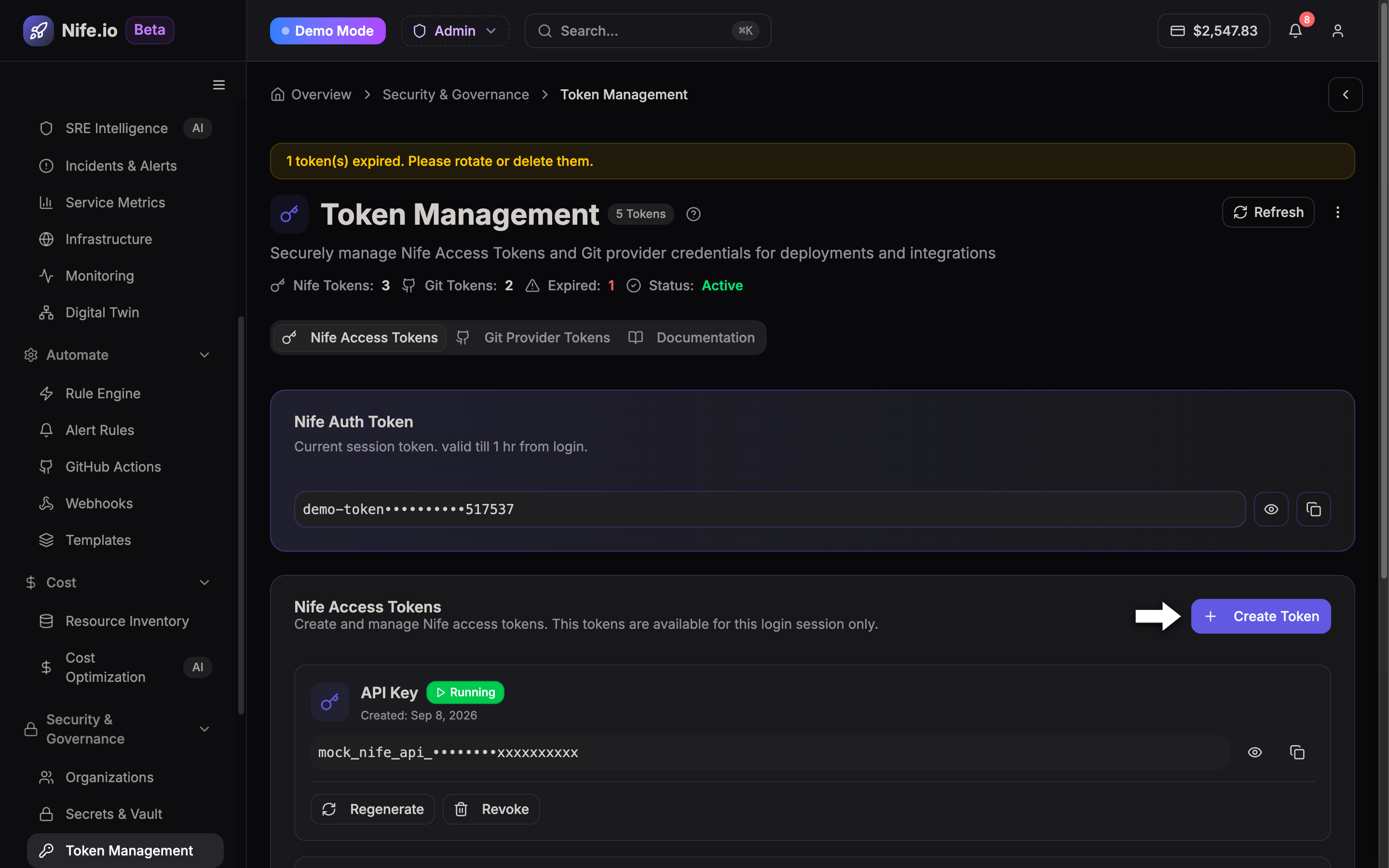
Adding Registry Credentials in Token Management
To authenticate private registry image pulls:
- Navigate to Token Management (
/token-management) from the sidebar. - Click Create Token (or Add Provider in Secrets & Vault).
- Select your provider type (GitHub PAT, Docker Hub, GitLab, etc.).
- Enter your token credentials and save. The token is encrypted using AES-CBC in the browser.
When deploying from the Deploy Wizard (/deploy-wizard/app), select Docker Image and choose your saved registry credential from the dropdown. Nife automatically creates image pull secrets on the target cluster.