Deploy Redis on Nife With nifectl | Database Deployment Guide

This section explains how to deploy a Redis database using the nifectl CLI.
Initialize the Redis Application
Use the nifectl init command to register your Redis application and generate the required nife.toml file.
nifectl init --name your-database-name --builtin redis --org your-organization-name --volume-size 1 --volume-path /data --port 6379 --external 6379 --replica 1 --routing-policy Latency --request-memory 12 --request-cpu 0.5 --limit-memory 12 --limit-cpu 1
Explanation of Flags
--name: A unique name for your application.--builtin=redis: Specifies the use of Redis as the runtime.--org: The organization name that will own the app.--volume-size: Size of the persistent volume in GB.--volume-path: Filesystem path inside the container (/datafor Redis).--portand--external: Internal and external port (default Redis port is 6379).--request-*and--limit-*: Resource configuration for CPU and memory.--replica: Number of instances (replicas) to be deployed.--routing-policy: Defines how traffic is routed (e.g., Latency, Geolocation).
Deploy the Redis Application
Once the application is initialized, deploy it with the required environment variable using the following command:
nifectl deploy -e REDIS_PASSWORD=your-secret-password
- Replace
your-secret-passwordwith a secure password of your choice. REDIS_PASSWORDis required to secure access to your Redis database.
Securing Redis with TLS
For production environments, it is recommended to secure your Redis instances with TLS.
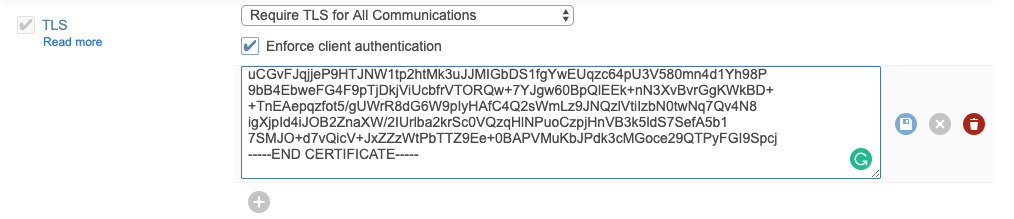
Enable TLS to ensure that all data transmitted between your application and the Redis database is encrypted.