Volumes
The Volumes section allows you to manage persistent storage attached to your application containers.
Persistent volumes ensure that important data remains available even if containers restart or redeploy.
Volumes are commonly used to store:
- Application data
- Databases
- Uploaded files
- Logs
- Cache files
Viewing Attached Volumes
The Volumes tab displays all persistent storage volumes attached to the application.
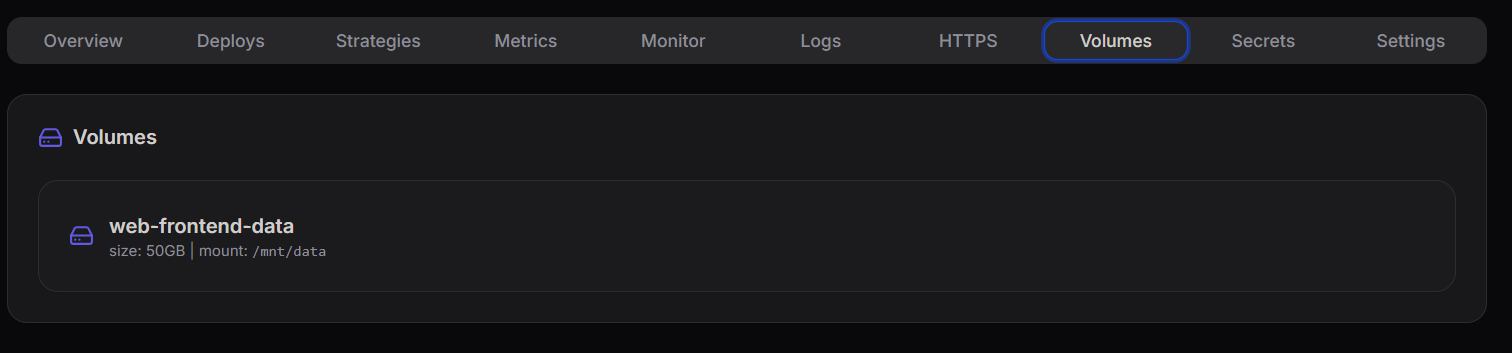
Each volume entry provides important details such as:
- Volume Name
- Allocated Storage Size
- Mount Path
Example shown in the dashboard:
web-frontend-data
Size: 50GB
Mount Path: /mnt/data
This allows developers to quickly verify that storage is correctly mounted to the container.
Volume Configuration
When creating or attaching a volume, you configure how storage will be mounted inside the container.
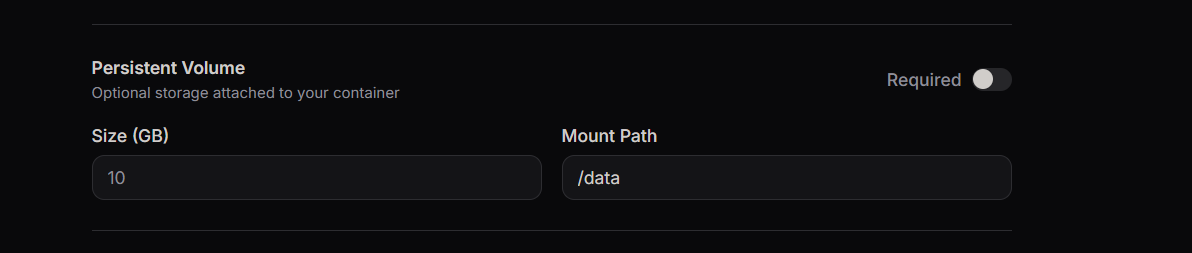
Typical configuration includes:
- Volume Name – Identifier for the storage volume
- Storage Size – Amount of disk space allocated
- Mount Path – Directory inside the container where the volume will be mounted
How Volumes Work
A persistent volume is mounted to a directory inside the container.
Example mount path:
/mnt/data
Any data written to this directory will remain available even after:
- Application restarts
- Container redeployments
- Scaling operations
Benefits of Using Volumes
Using persistent volumes provides several advantages:
- Data persistence across deployments
- Reliable storage for stateful applications
- Separation of compute and storage
- Improved application stability
Volumes are especially useful for applications that require long-term data storage.