Resources
This section helps you manage the compute resources allocated to your application and configure how your application is exposed to users via endpoints and domains.
Navigate to Application
To begin, navigate to your application from the dashboard.
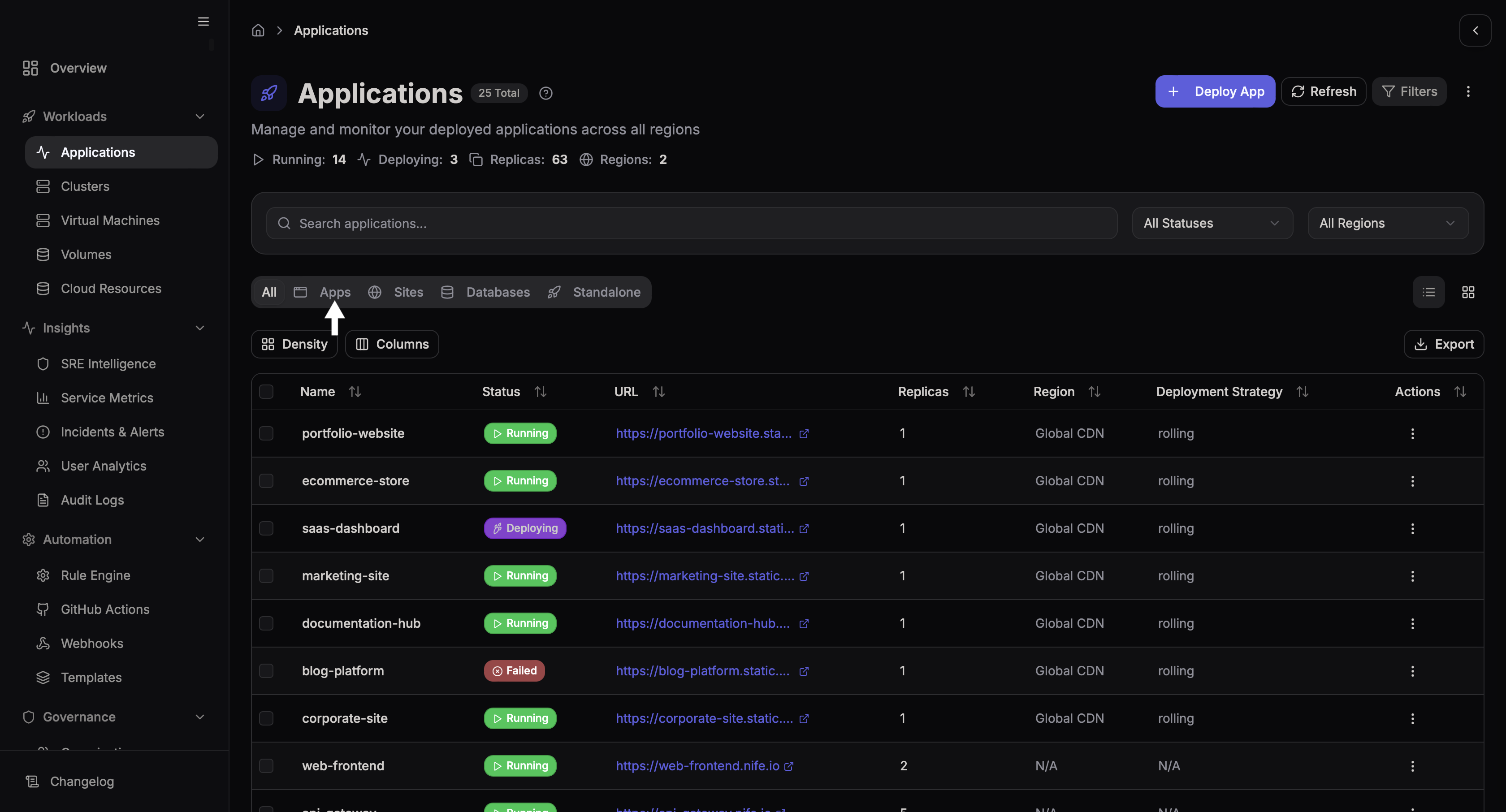
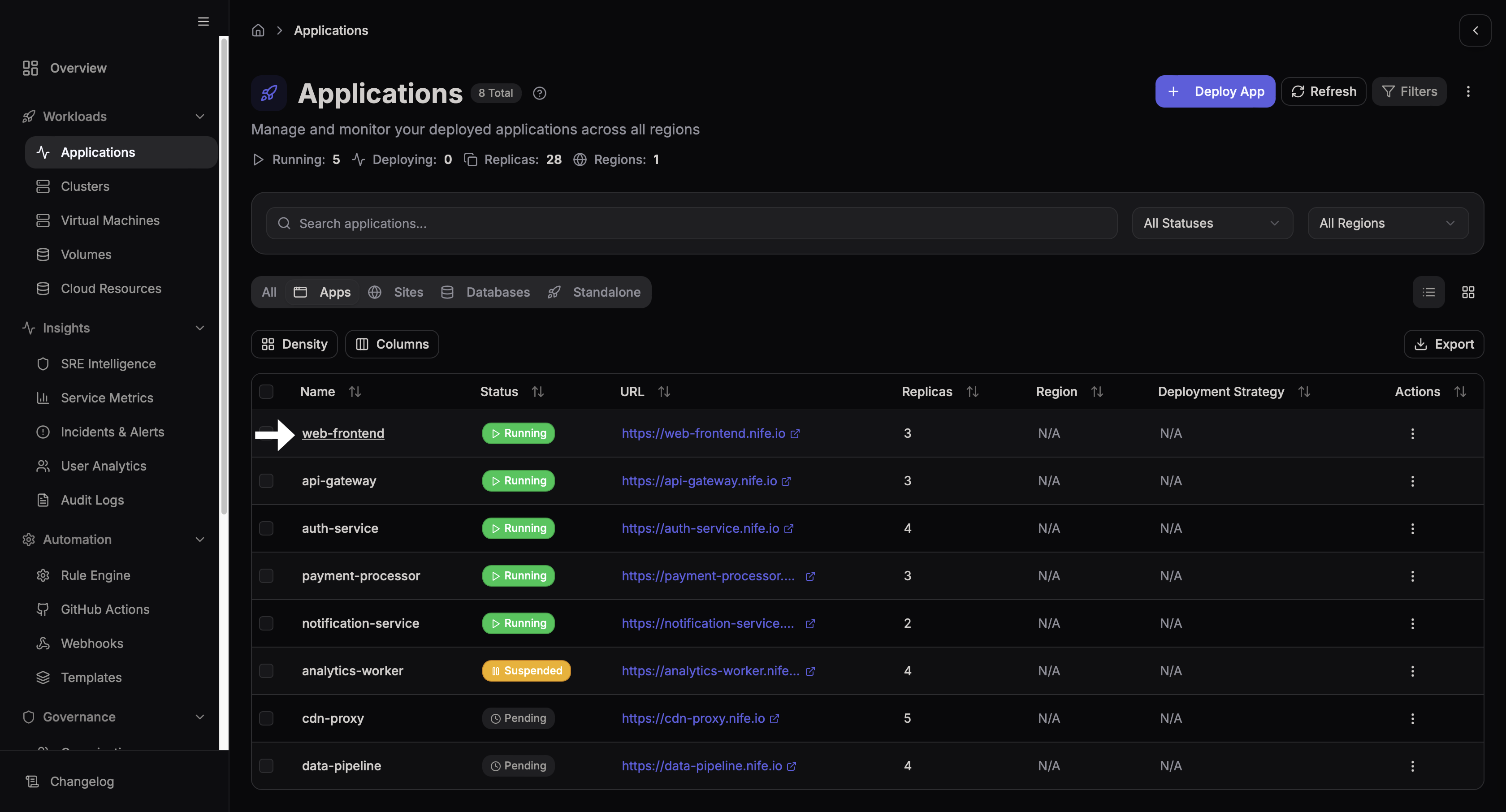
Select the application you want to configure.
Resources
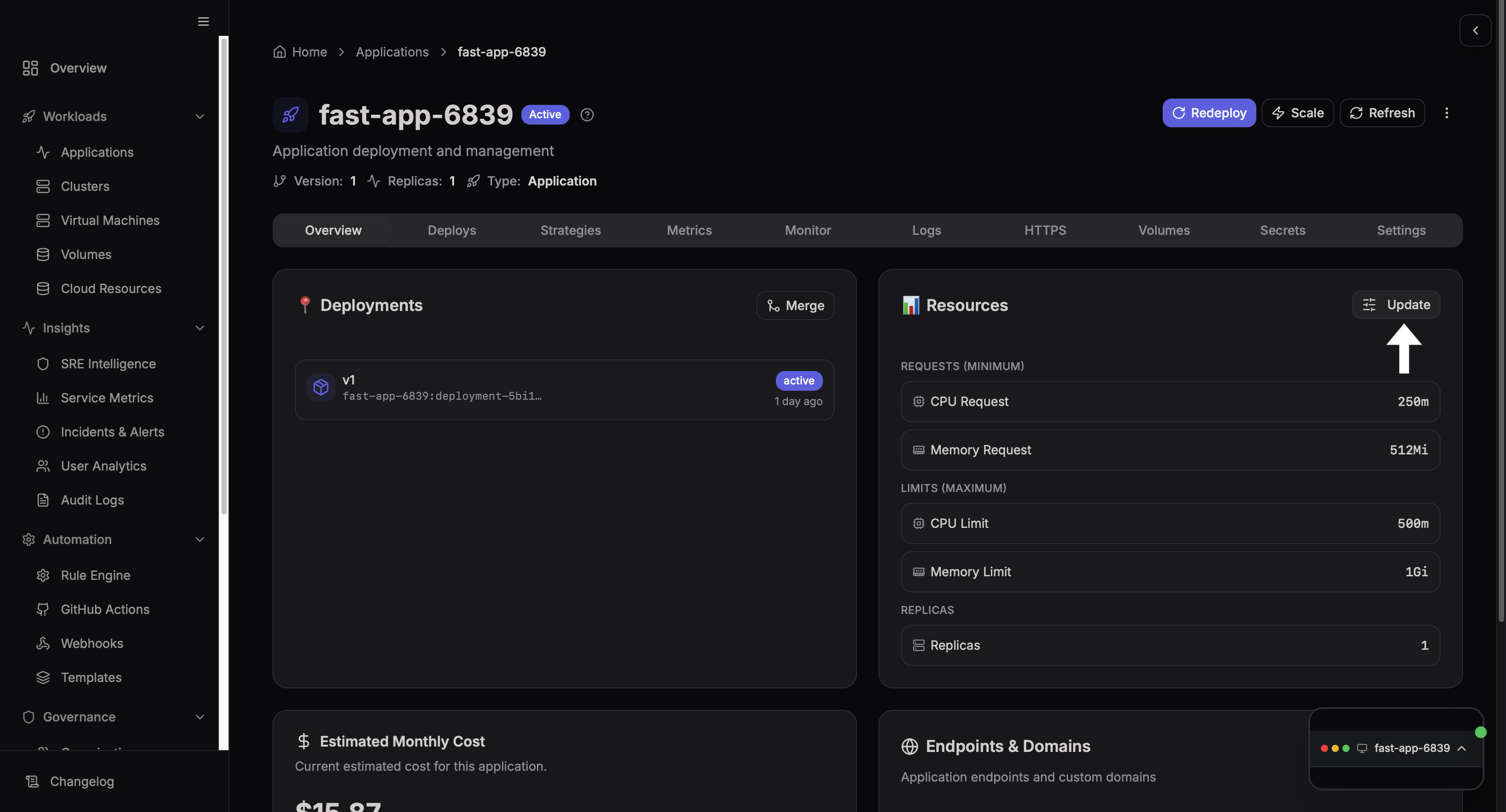
The Resources section allows you to control how much CPU and memory your application uses.
Step 1: Open Resources Settings
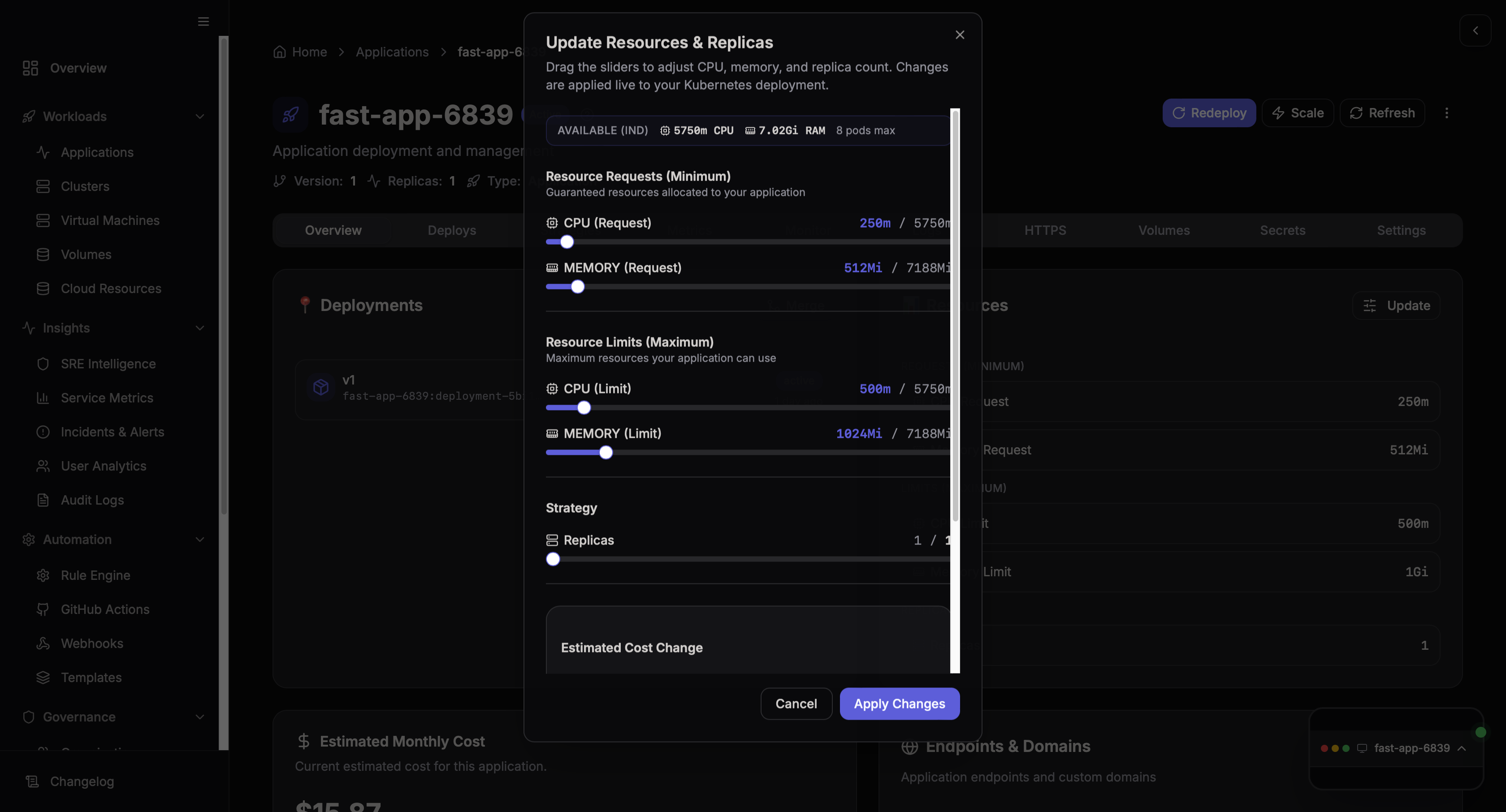
Click on the Update Resources button.
Step 2: Configure Resources
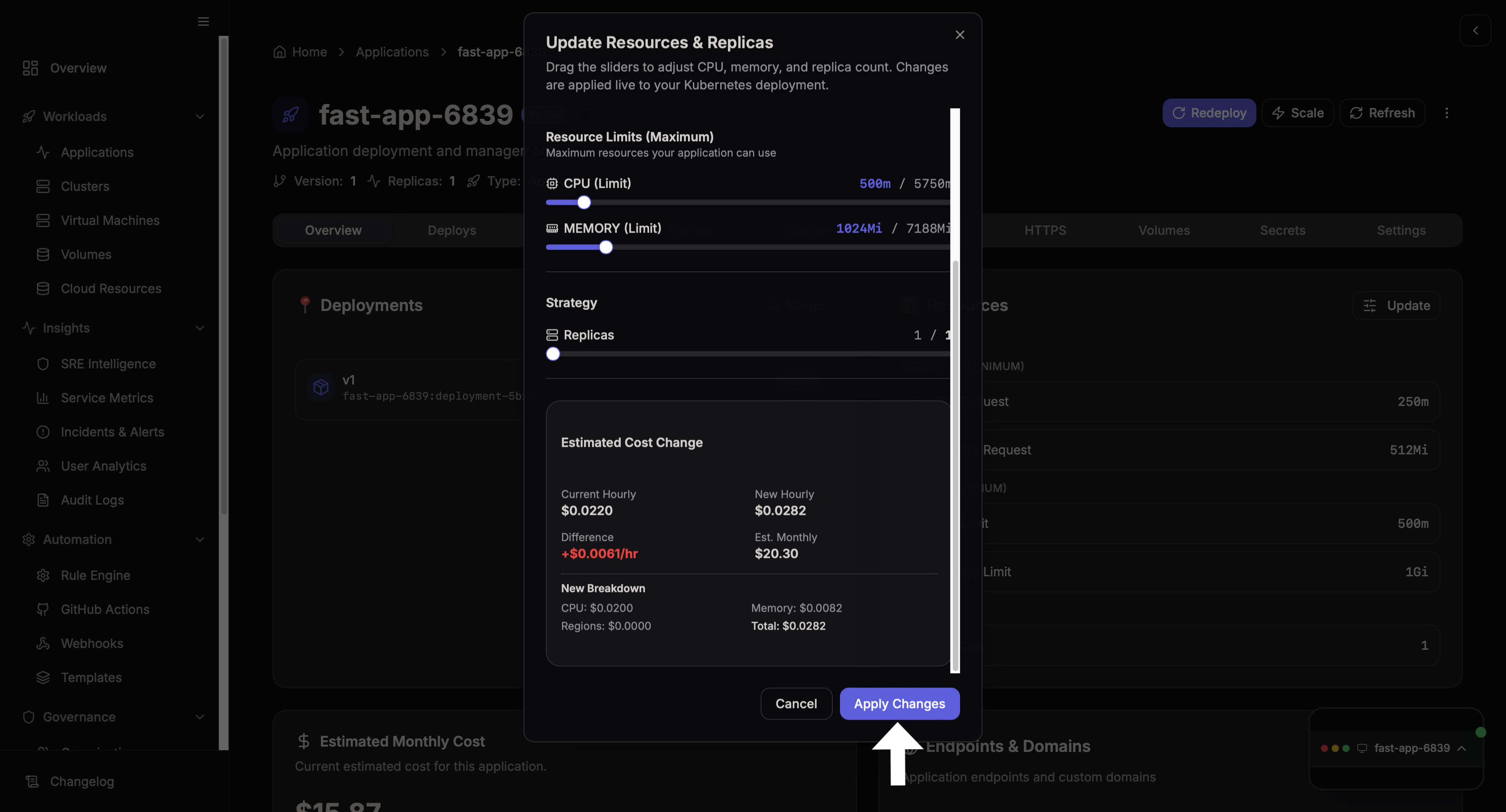
Adjust the required resource values, such as:
- CPU allocation
- Memory allocation
This determines the performance and scalability of your application.
Resource Limits
This provides us the option to determine as to how much CPU and Memory our application can maximum utilize.
Step 3: Save Changes
Once everything has been set to our state of choice, an Estimated Cost is shown at the bottom that will be applied based on the changes we made.
After making the changes, click Apply Changes to apply the new resource configuration.